Art Director
You shouldn't need to arrive with the perfect prompt. In Lifestyle and Creative Studio, the AI Art Director helps you develop the setting, lighting and composition. Review its suggestions before applying them to your direction.
PMP AI Studio / By Photograph My Product
AI product imagery. Human backup.
Start with your product photos. Develop lifestyle and campaign imagery through dedicated Studios, with the Art Director helping shape the direction. Review the details and refine the result, with a real product photography studio behind you.
No card needed · 5 free generations
See how it worksNeed your products photographed? Talk to our York studio.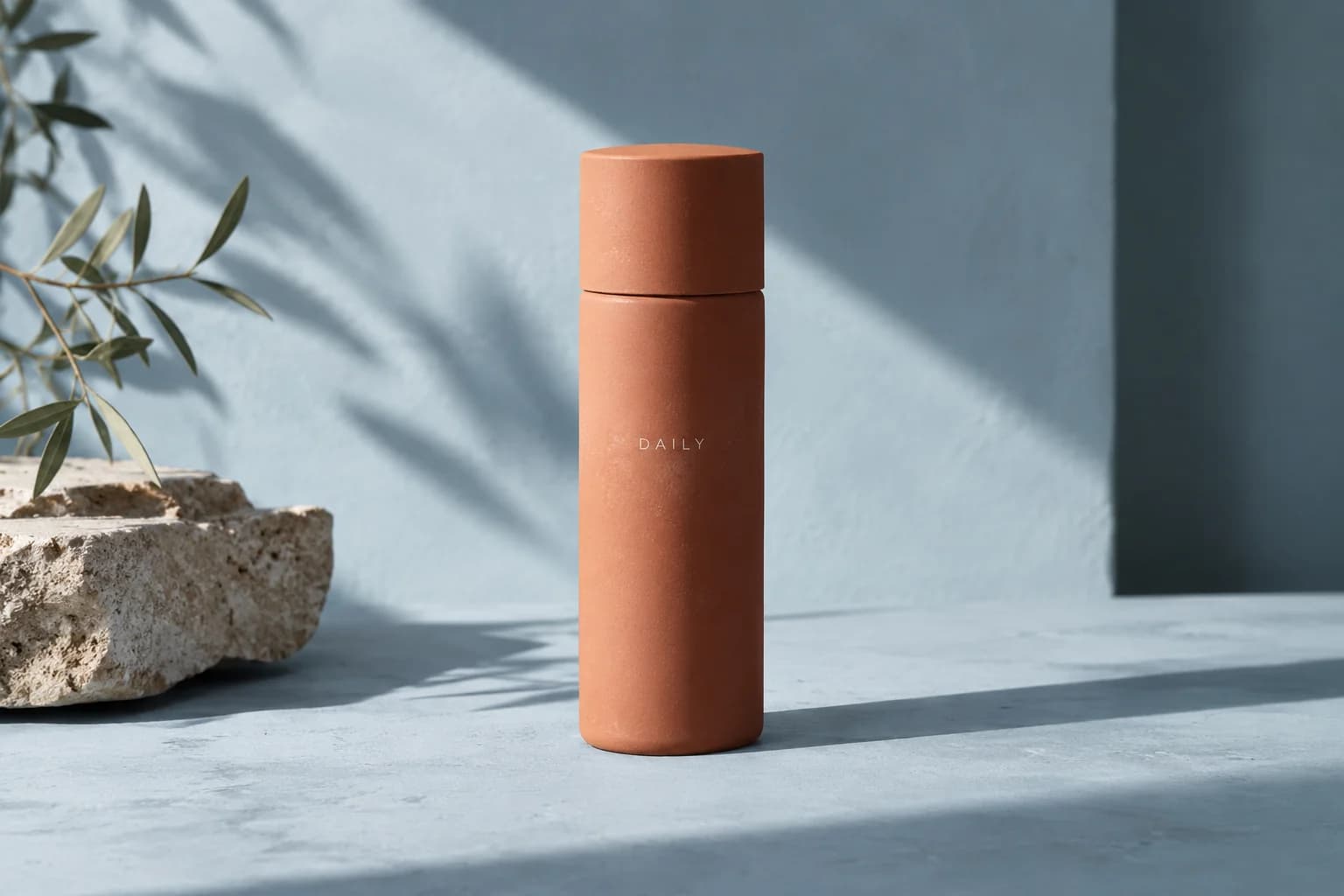
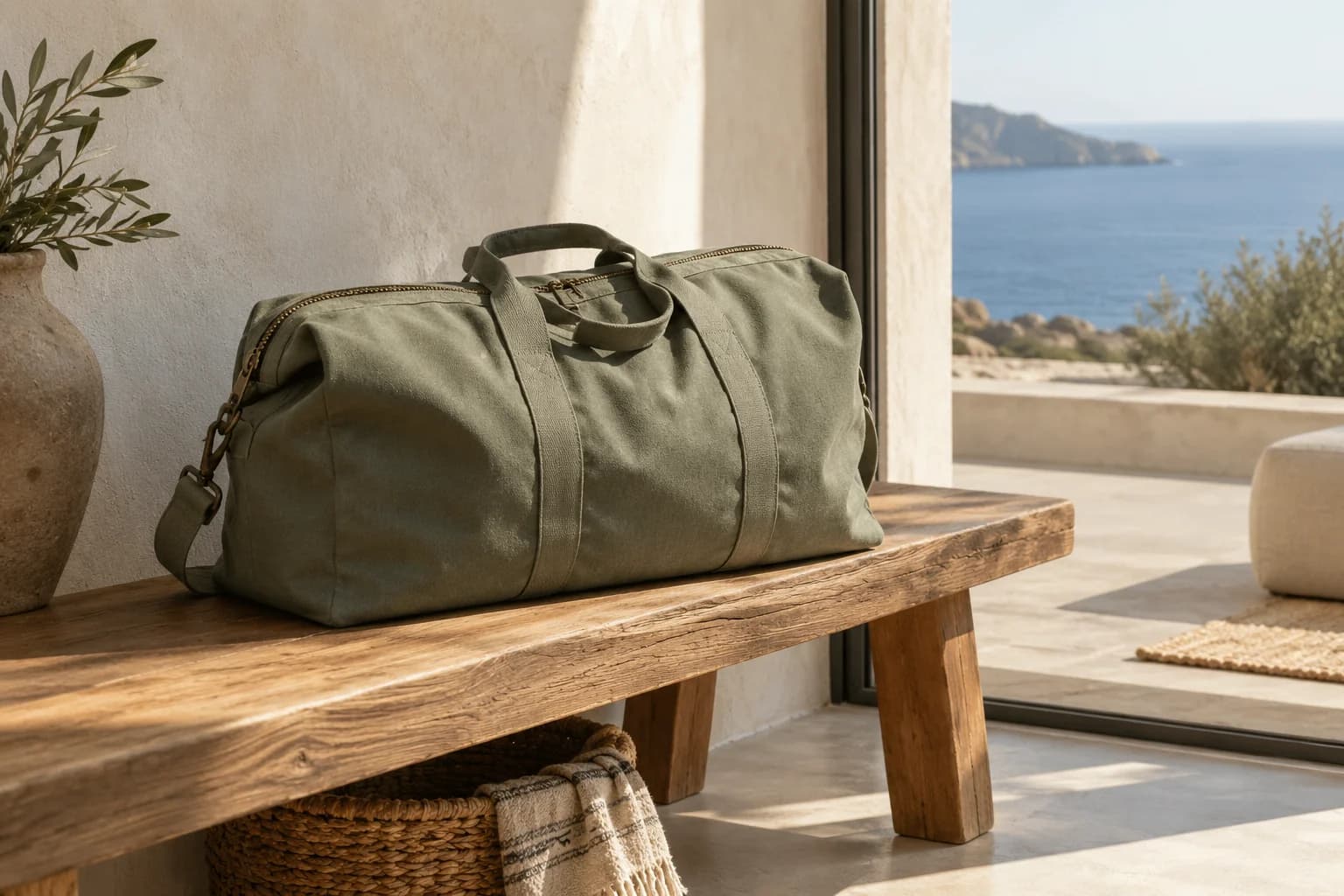
Illustrative AI concepts created for this page. See the product demonstration below.
Your packshots are ready. Now you need imagery for the next launch, the next campaign and the rest of the range. The product still has to look like your product. And the next image needs to belong with the last one.
That's the work PMP AI Studio is built around.
From a product photo to a creative direction
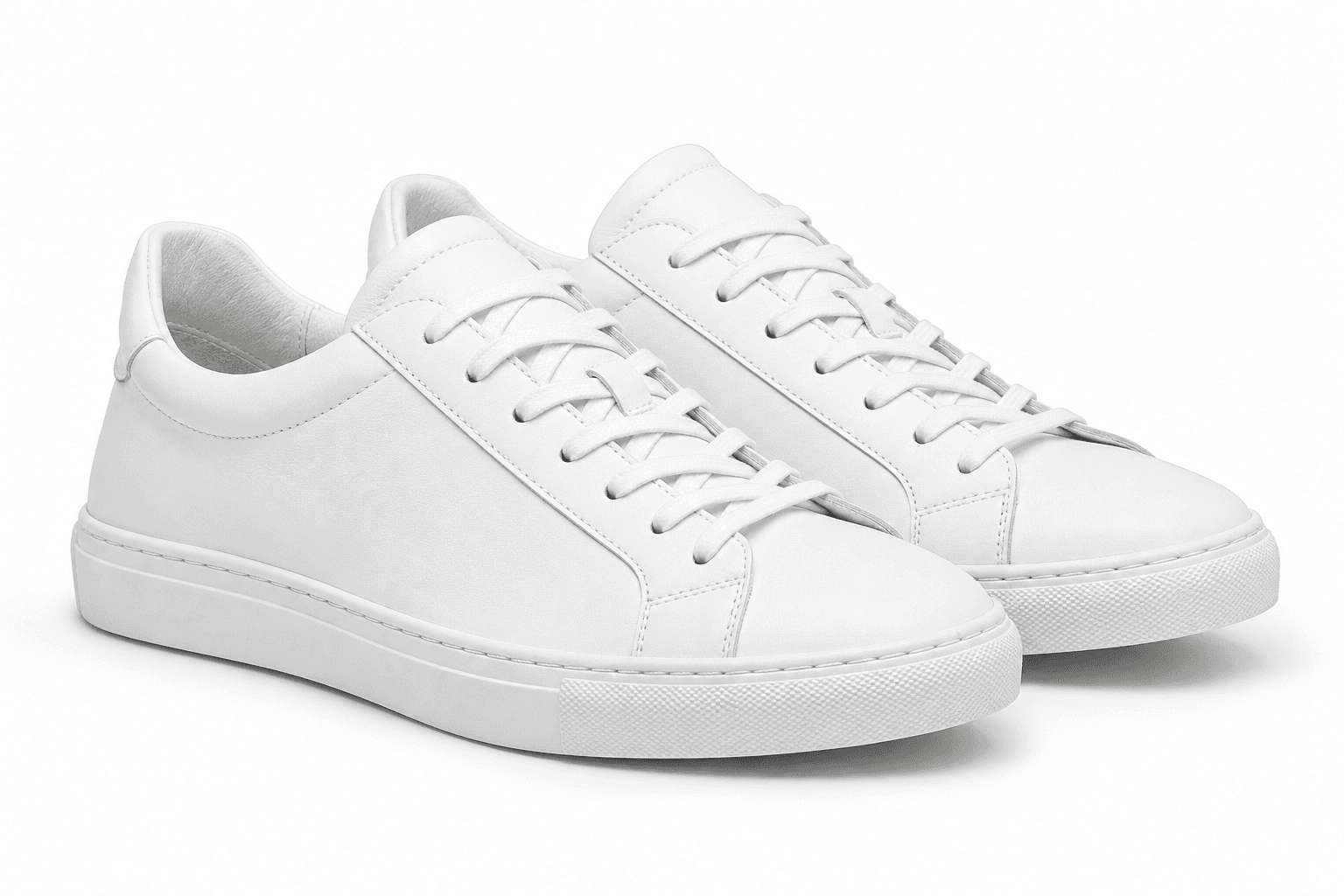
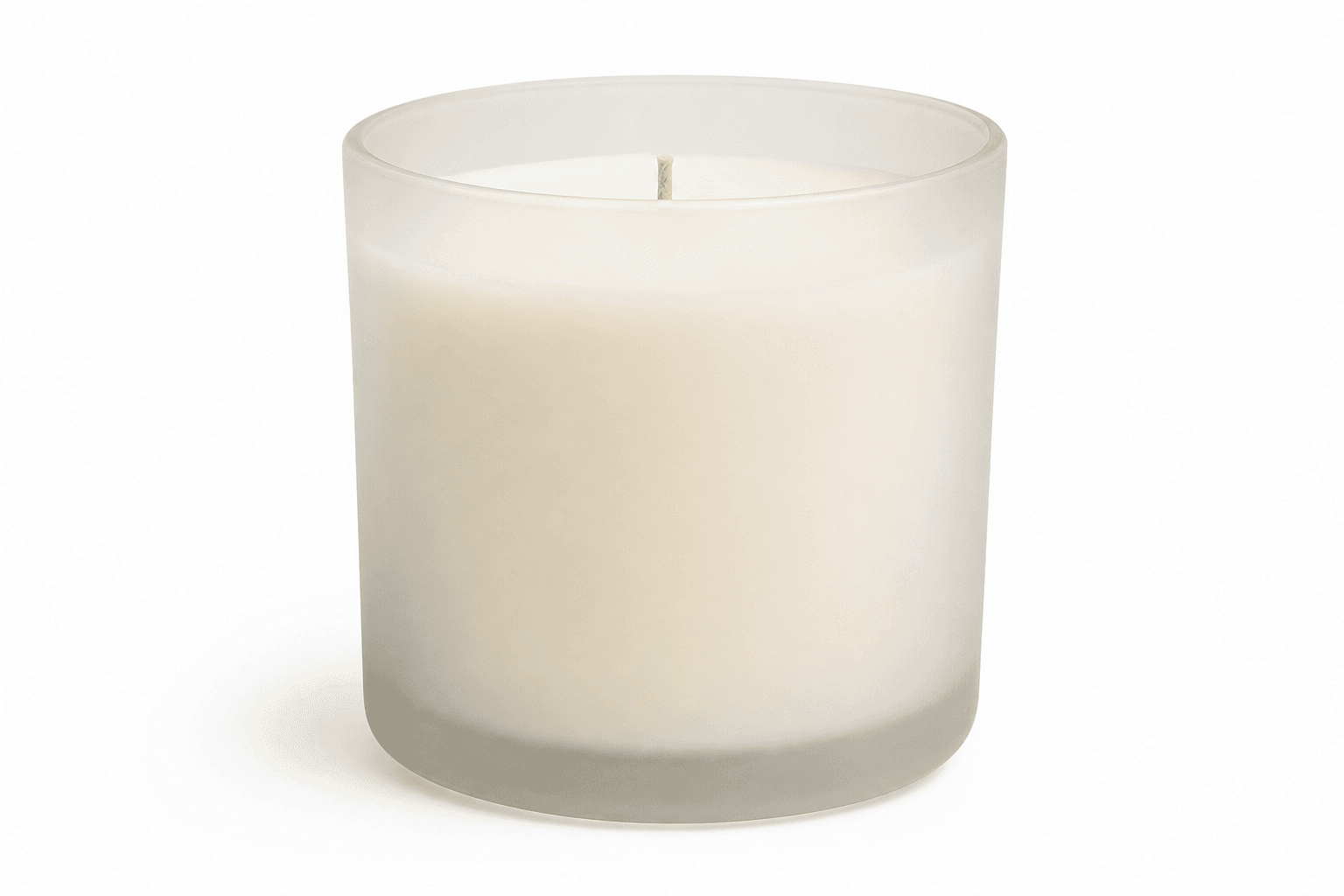
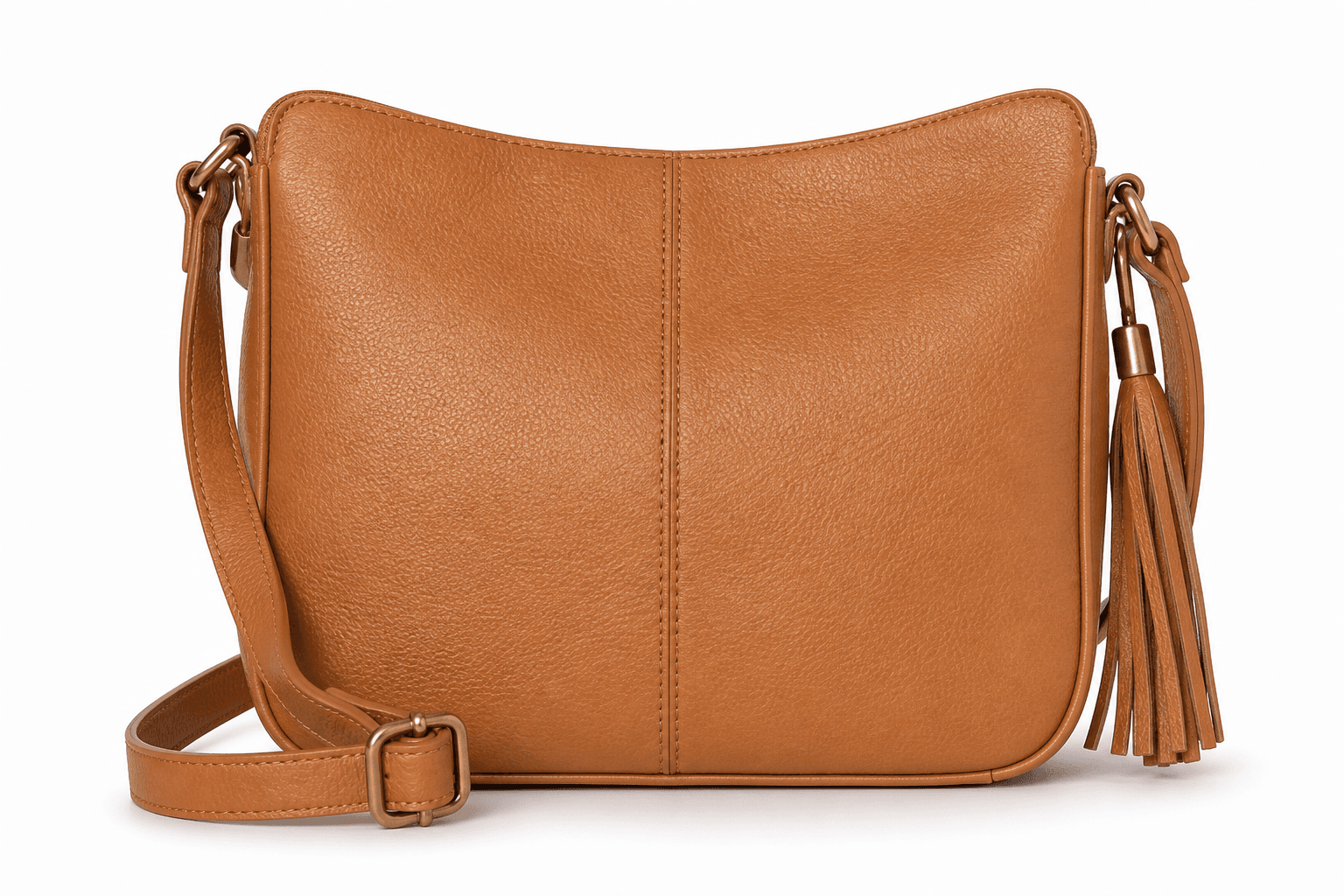
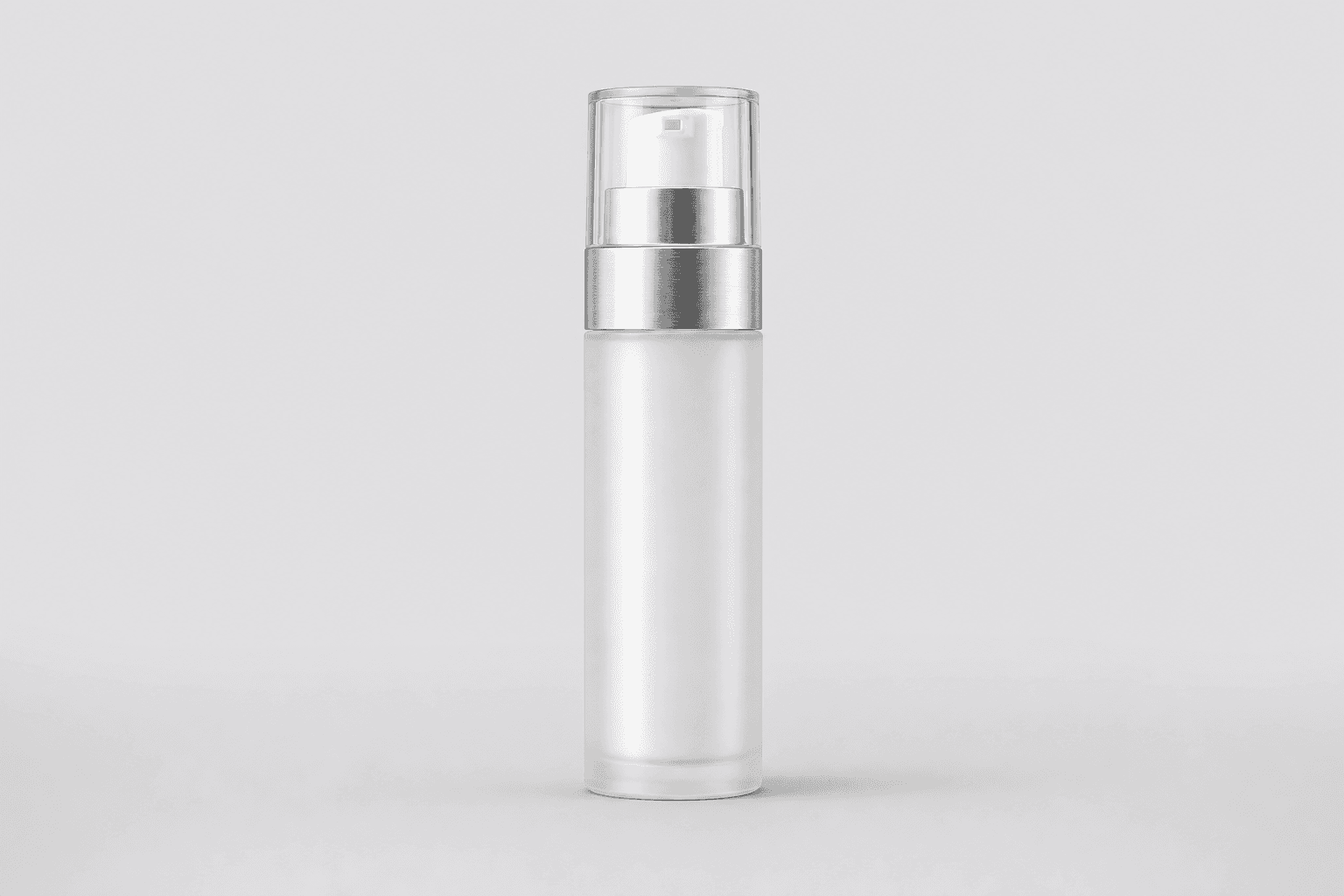
Start with a clear product reference. Explore a setting, shape the lighting and composition, then compare the result with the product you started with.
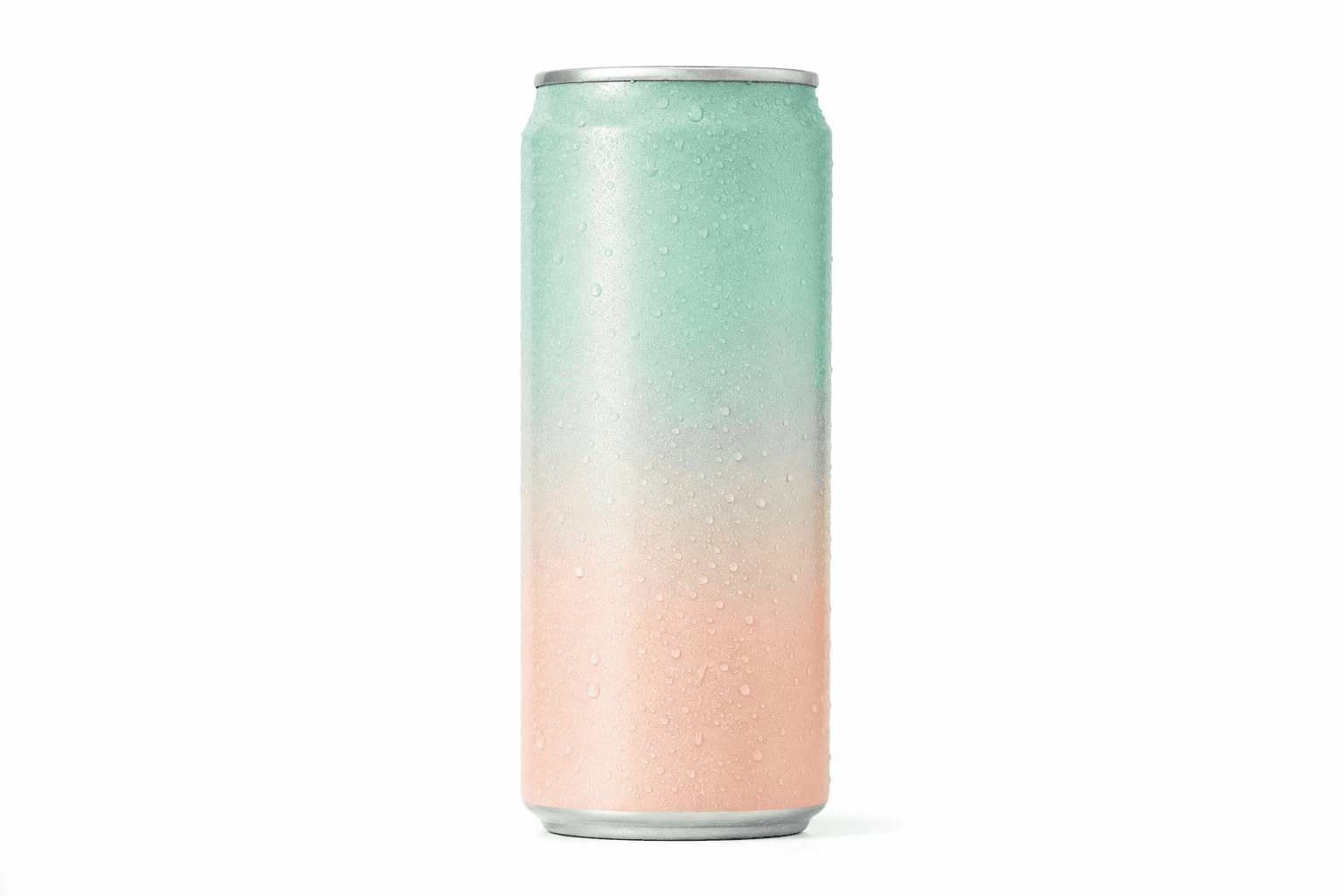
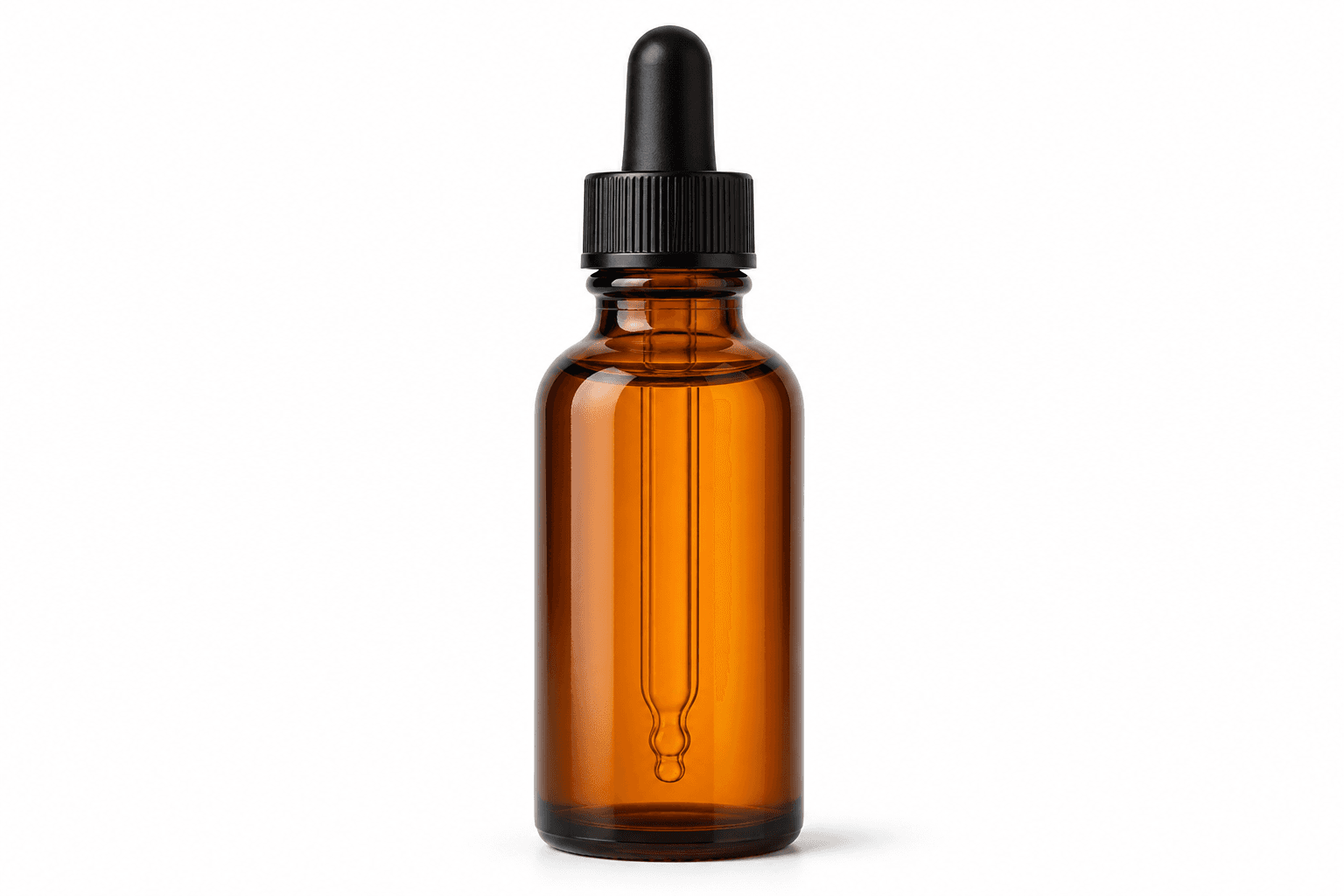
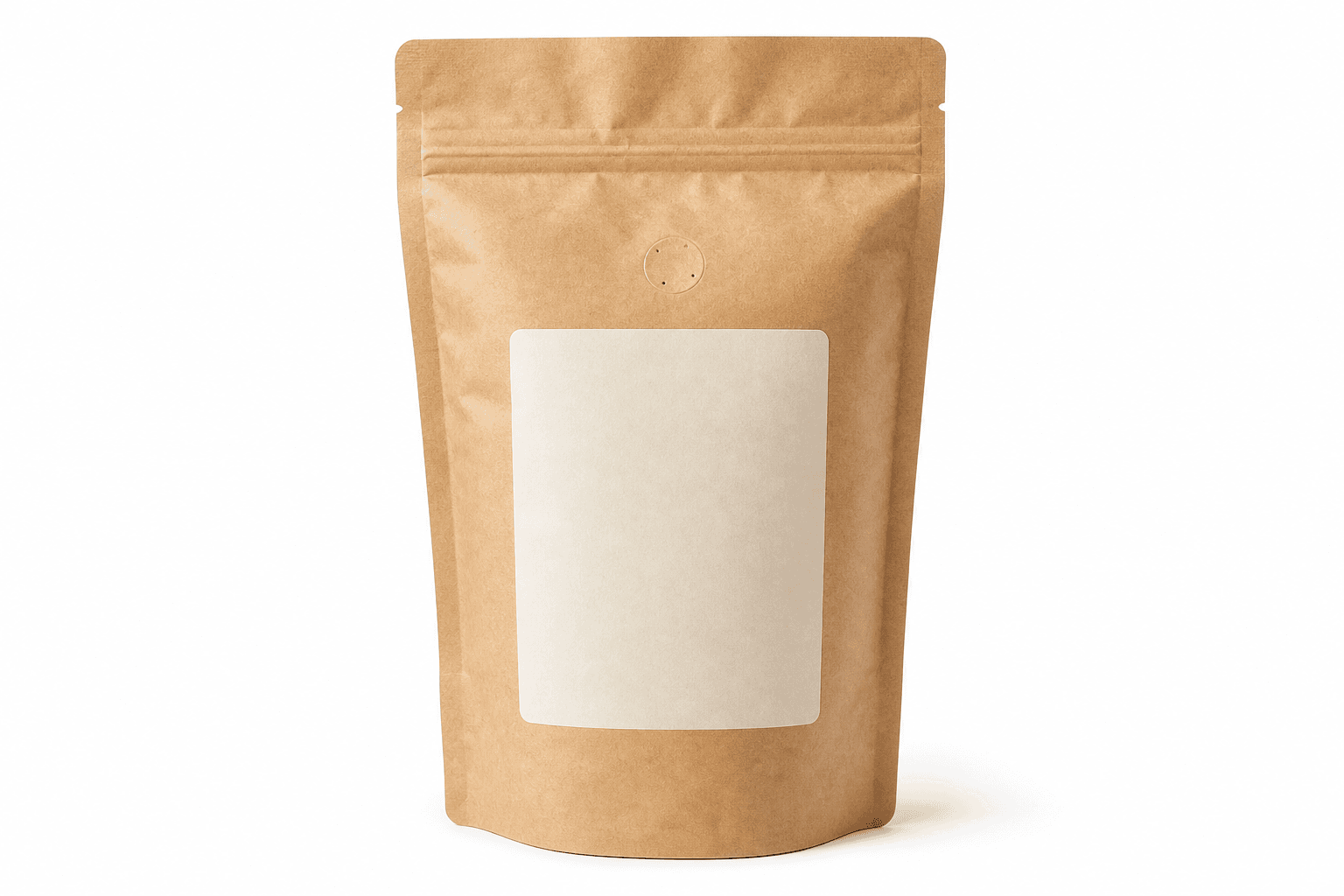
01 / Product reference
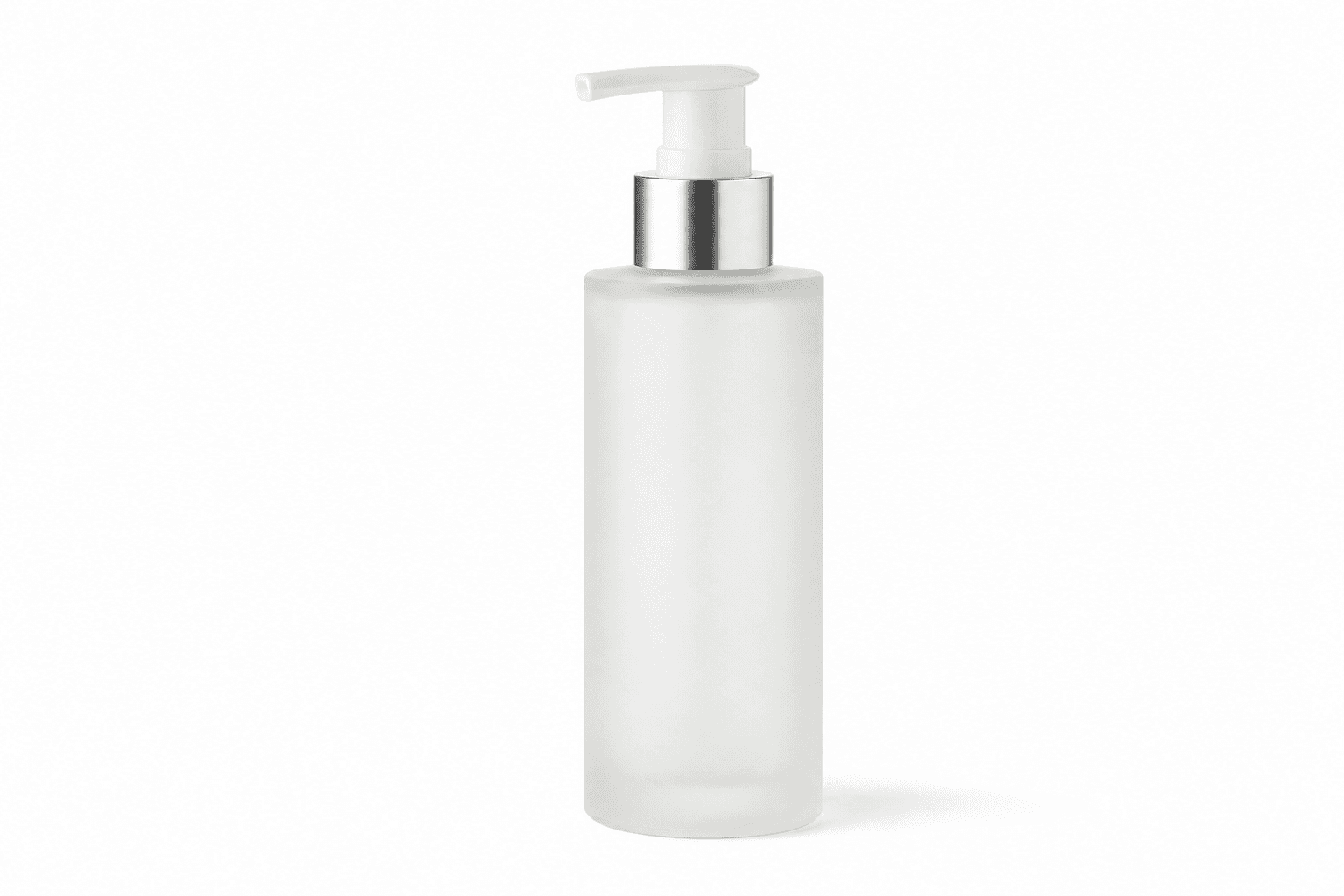
A clear source photo gives the studio the product details to work from.
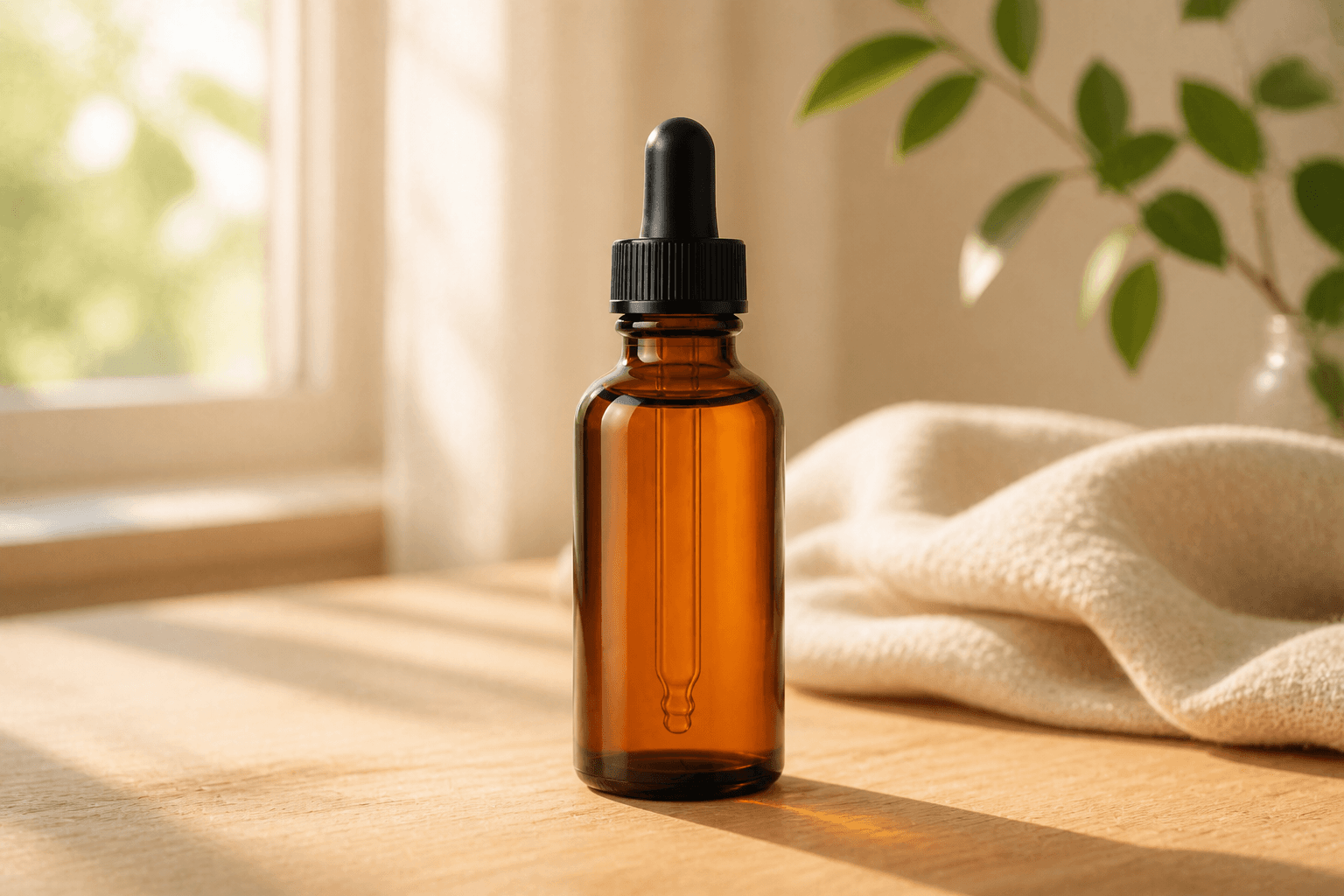
02 / Explore a direction
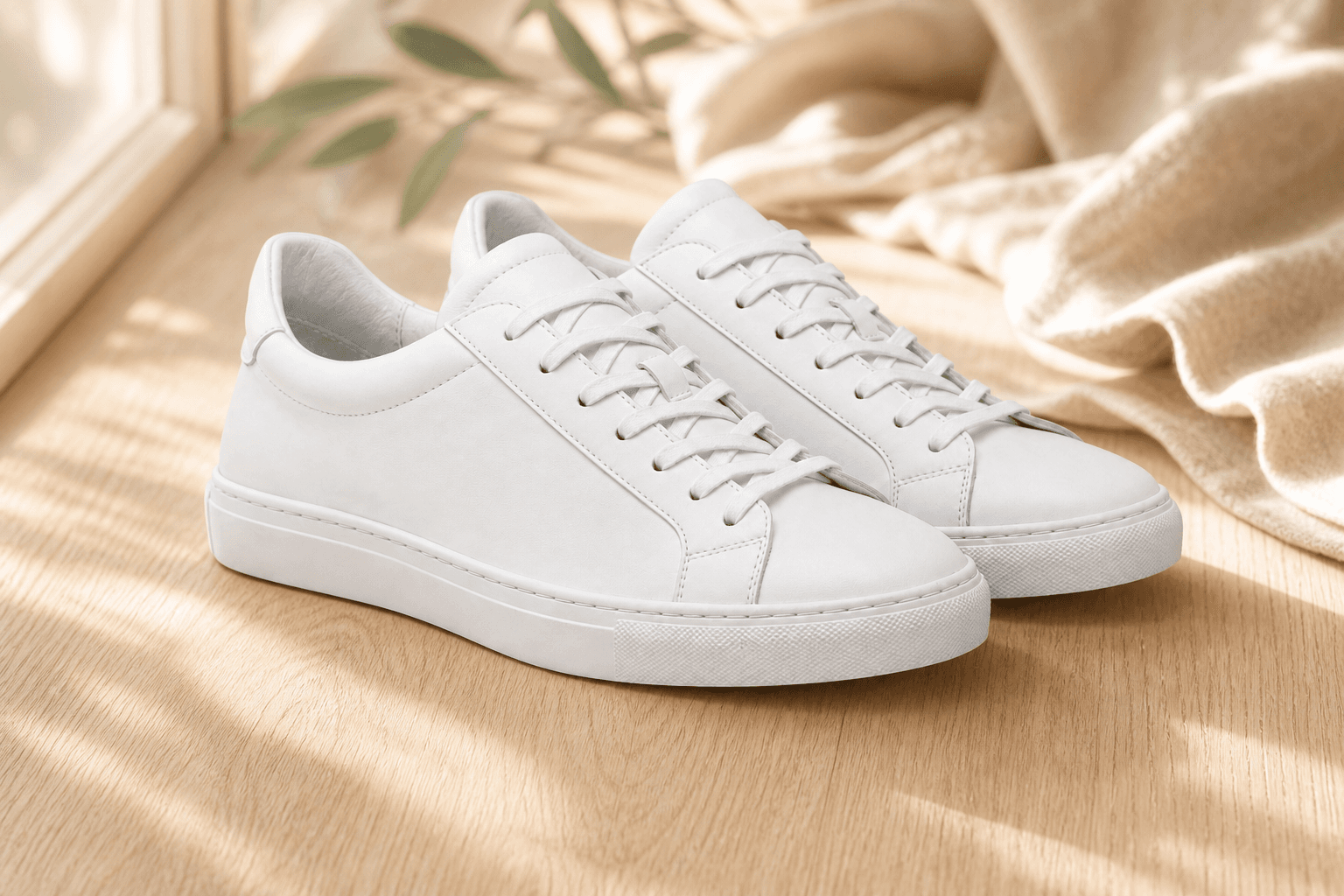
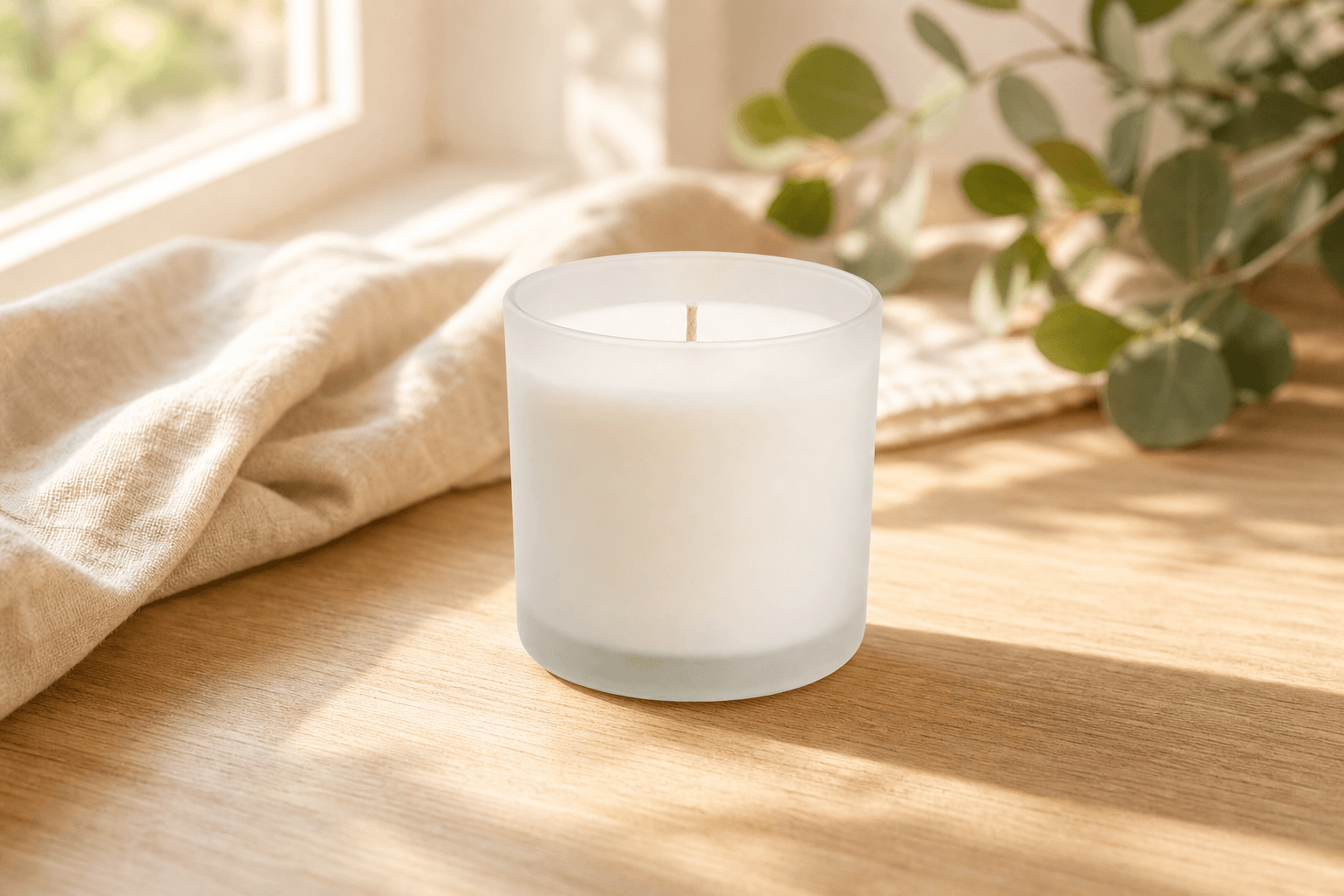
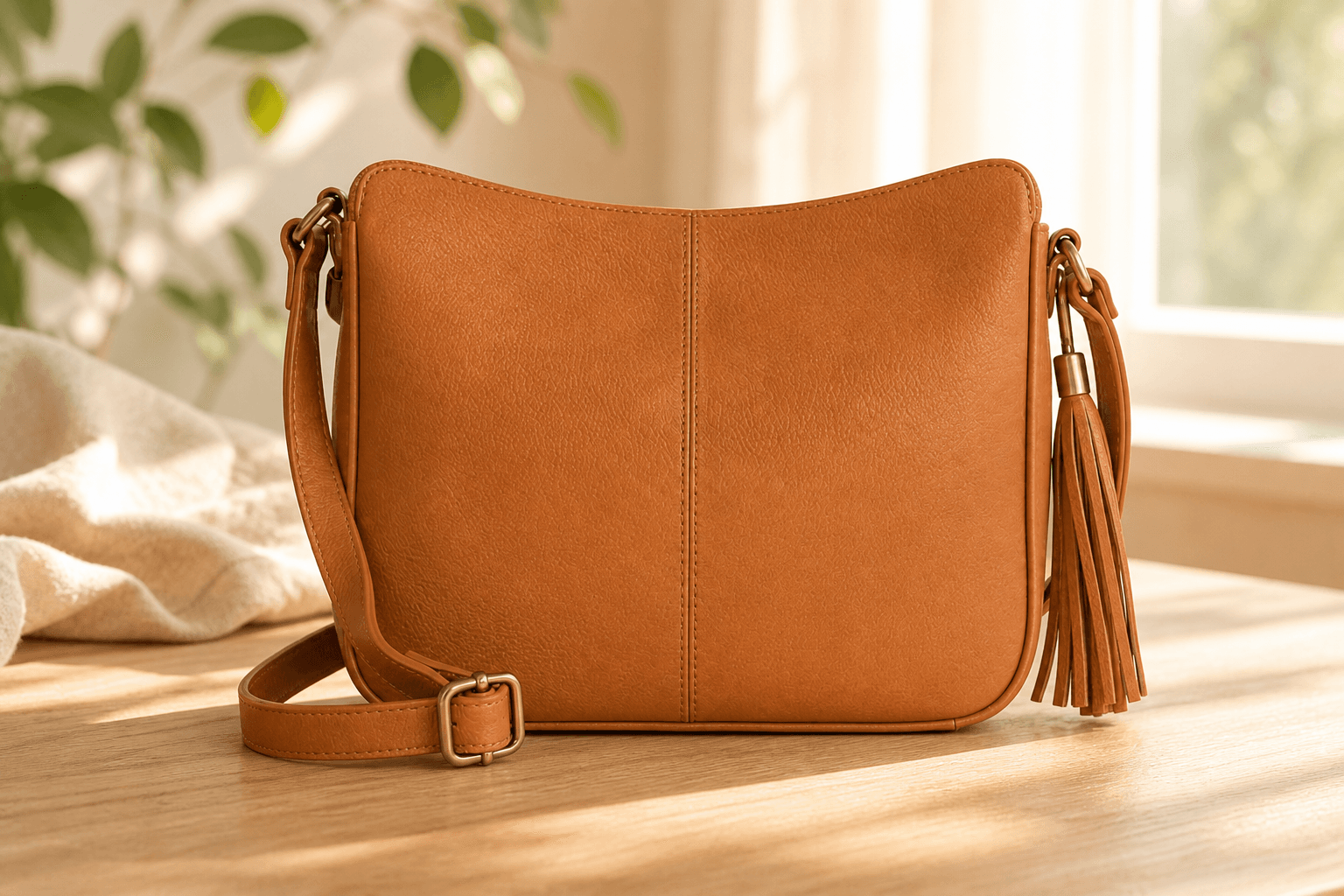
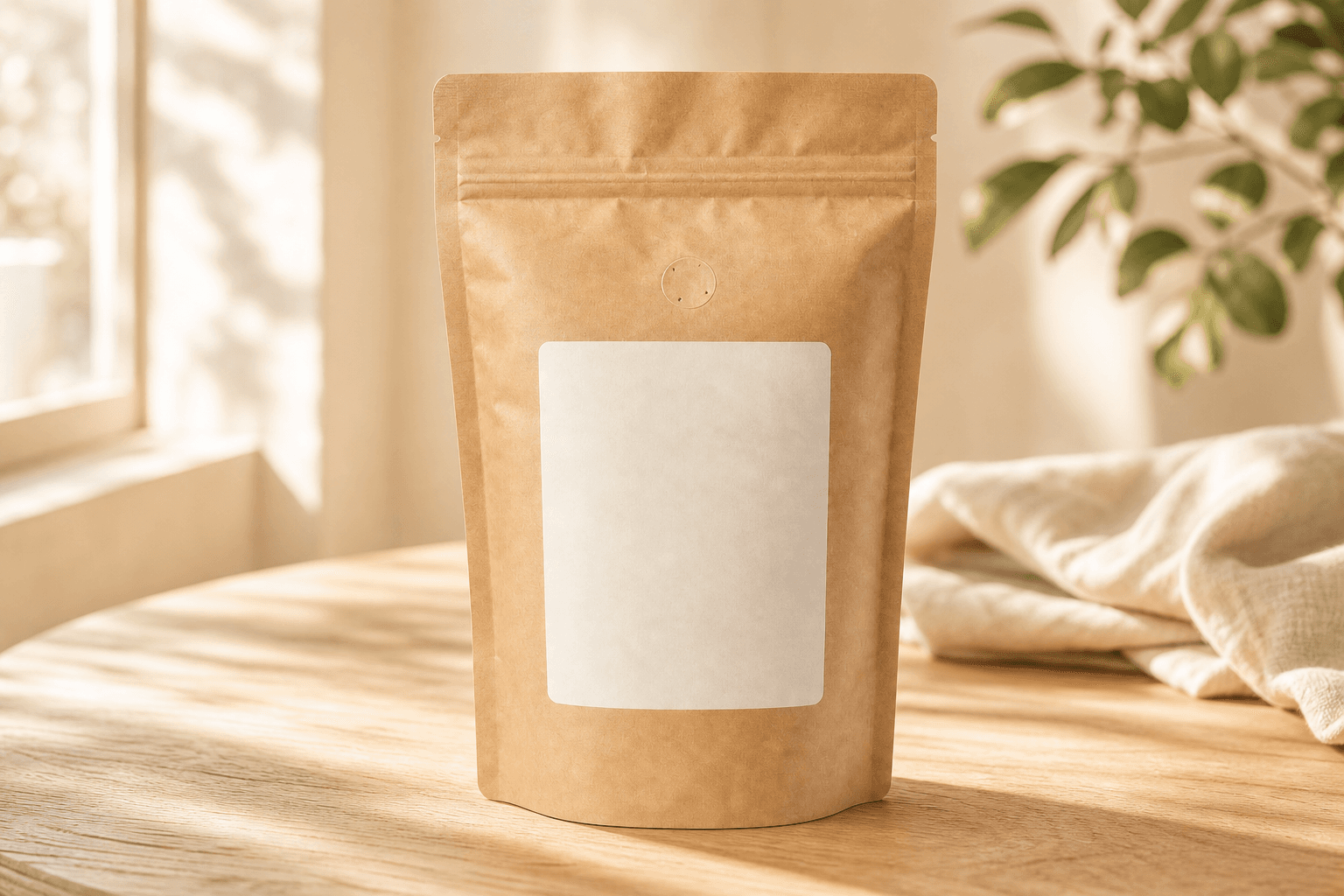
Example creative guidanceBuild a setting that shows where the product belongs. Leave the label readable and give the product room in the composition.
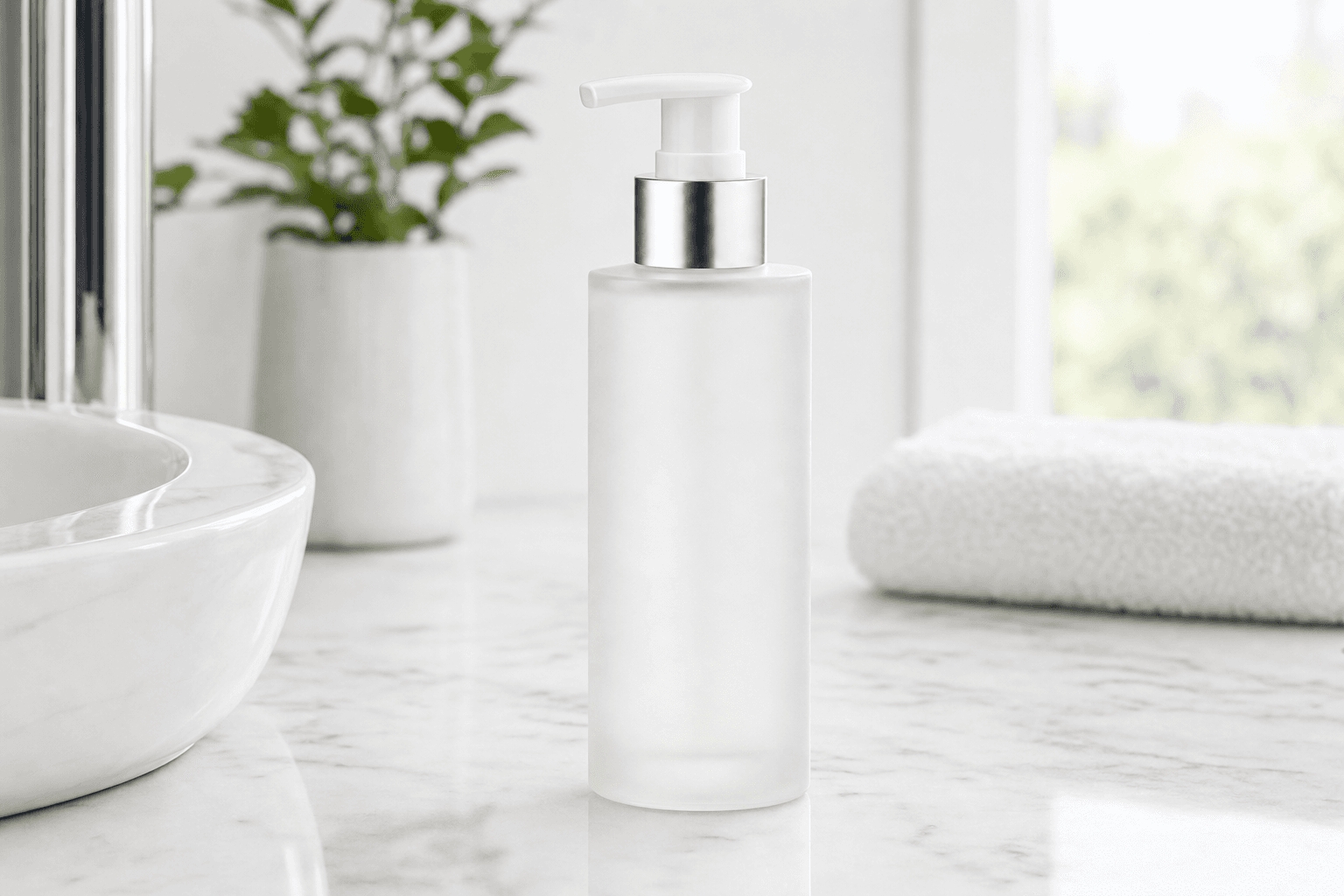
Interactive illustration using existing studio demo images. The guidance shown here is an example, not a live analysis.
You shouldn't need to arrive with the perfect prompt. In Lifestyle and Creative Studio, the AI Art Director helps you develop the setting, lighting and composition. Review its suggestions before applying them to your direction.
Use your source photo as the reference. Check the label, colour, shape and materials as you explore different settings.
Compare the result with your product, decide what needs changing and refine the image before you use it.
Built by Photograph My Product
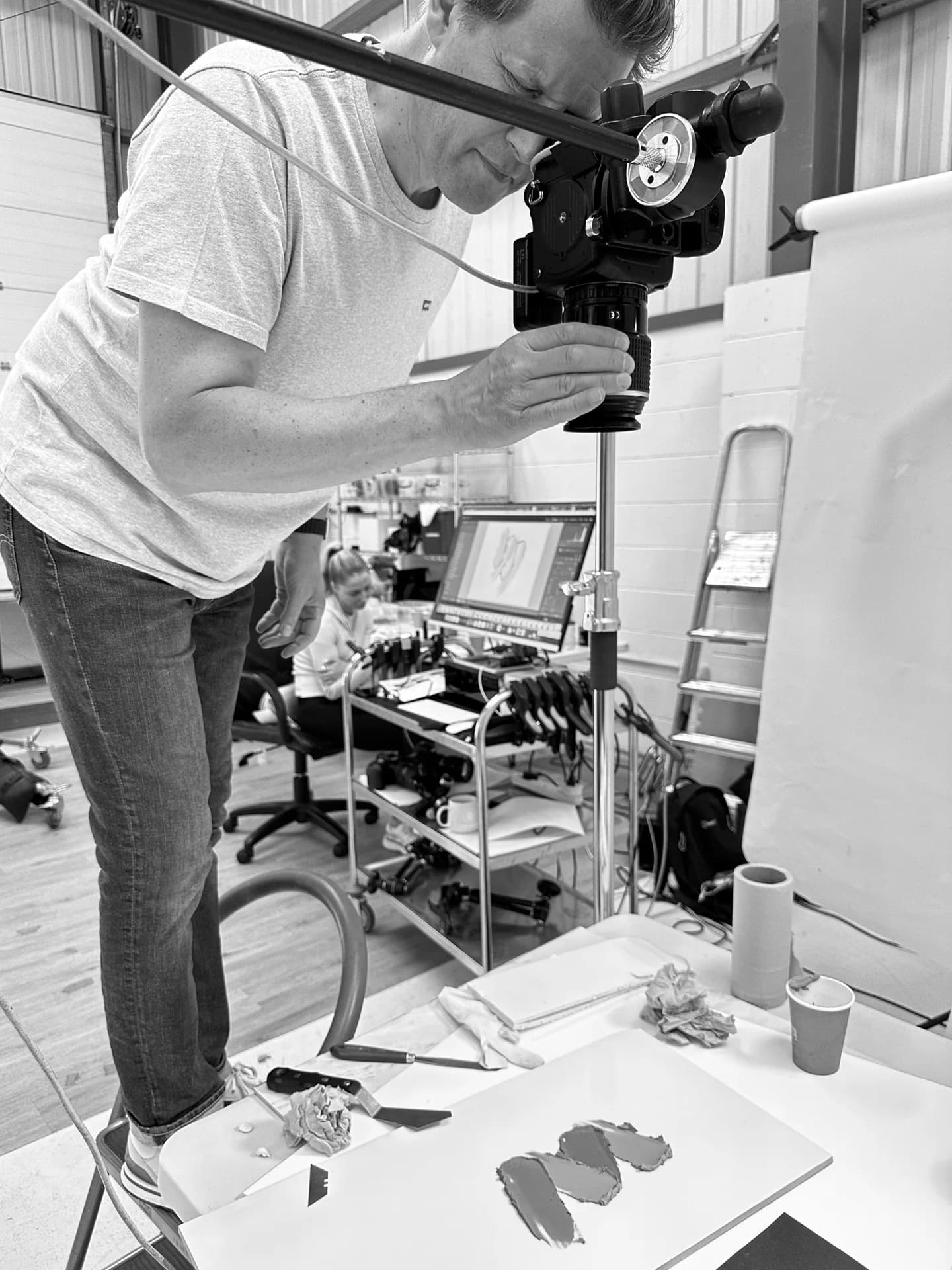
PMP AI Studio comes from our working product photography studio in York. We photograph physical products and know the decisions behind a useful image.
Start with photography and build on it in AI Studio. Use product photos you already have. Or talk to us about the right approach for your next project.
Send your products to our York studio for packshots, range photography or a campaign shoot.
Tell us what you sell and where the images will be used. We can discuss photography, AI Studio or a combination.
For work that needs a human finish, agree the changes and price with our studio.
Photography and professional retouching are quoted separately from AI credits.
What are you making?
Explore the tools
A garment, a bottle and an advert don't call for the same decisions. Choose a dedicated Studio for the work you're doing, with controls suited to that job.
01 / Product photography
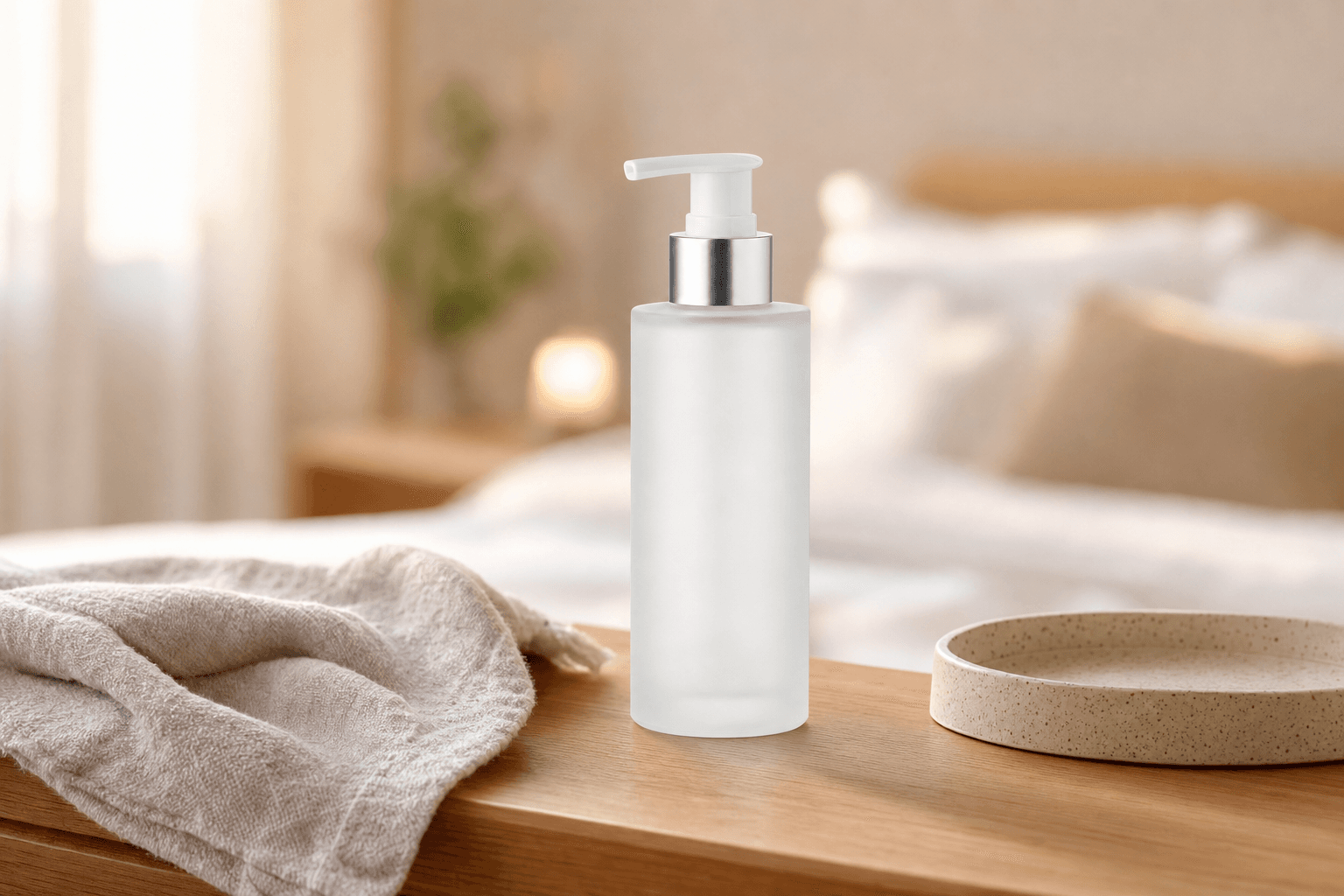
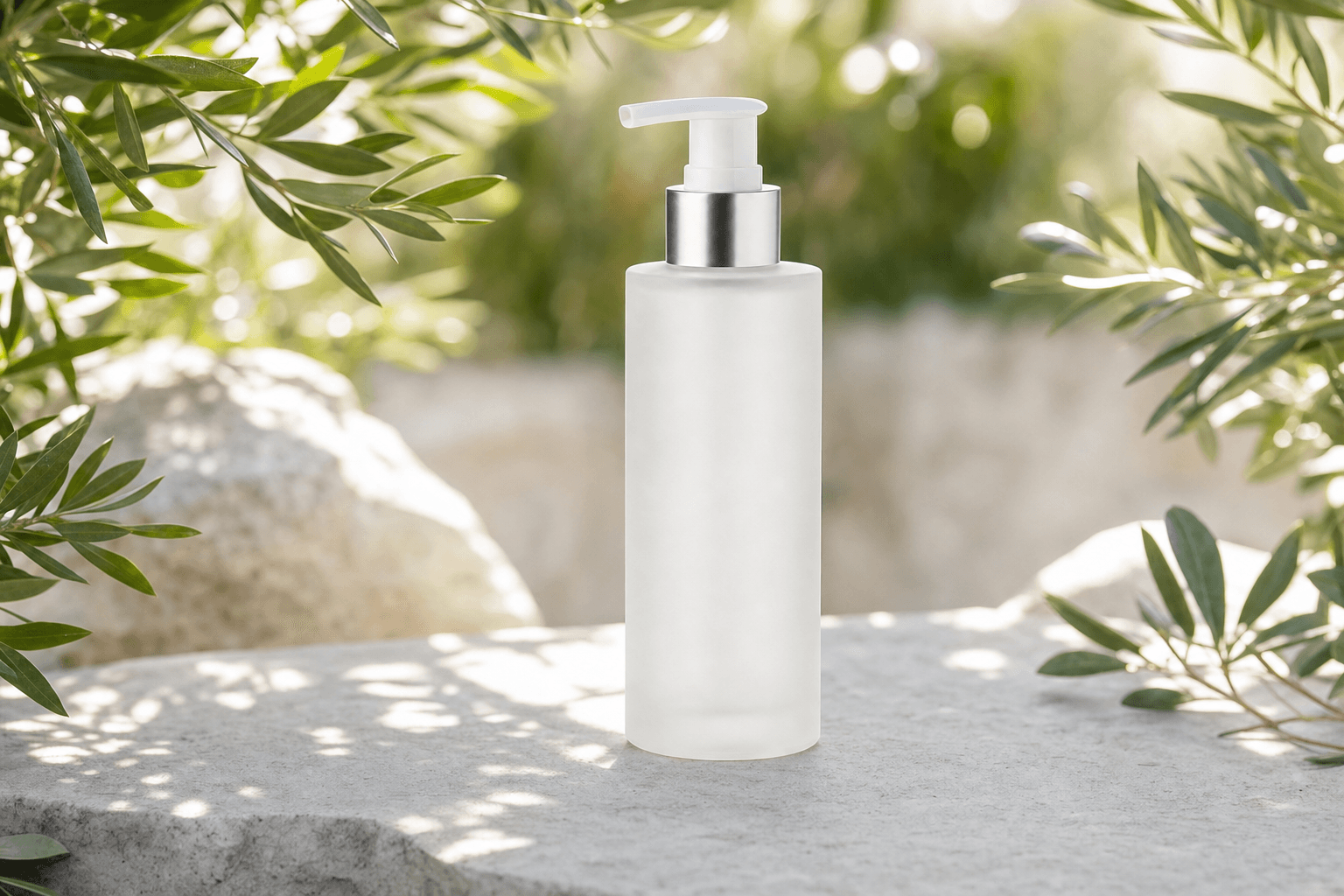
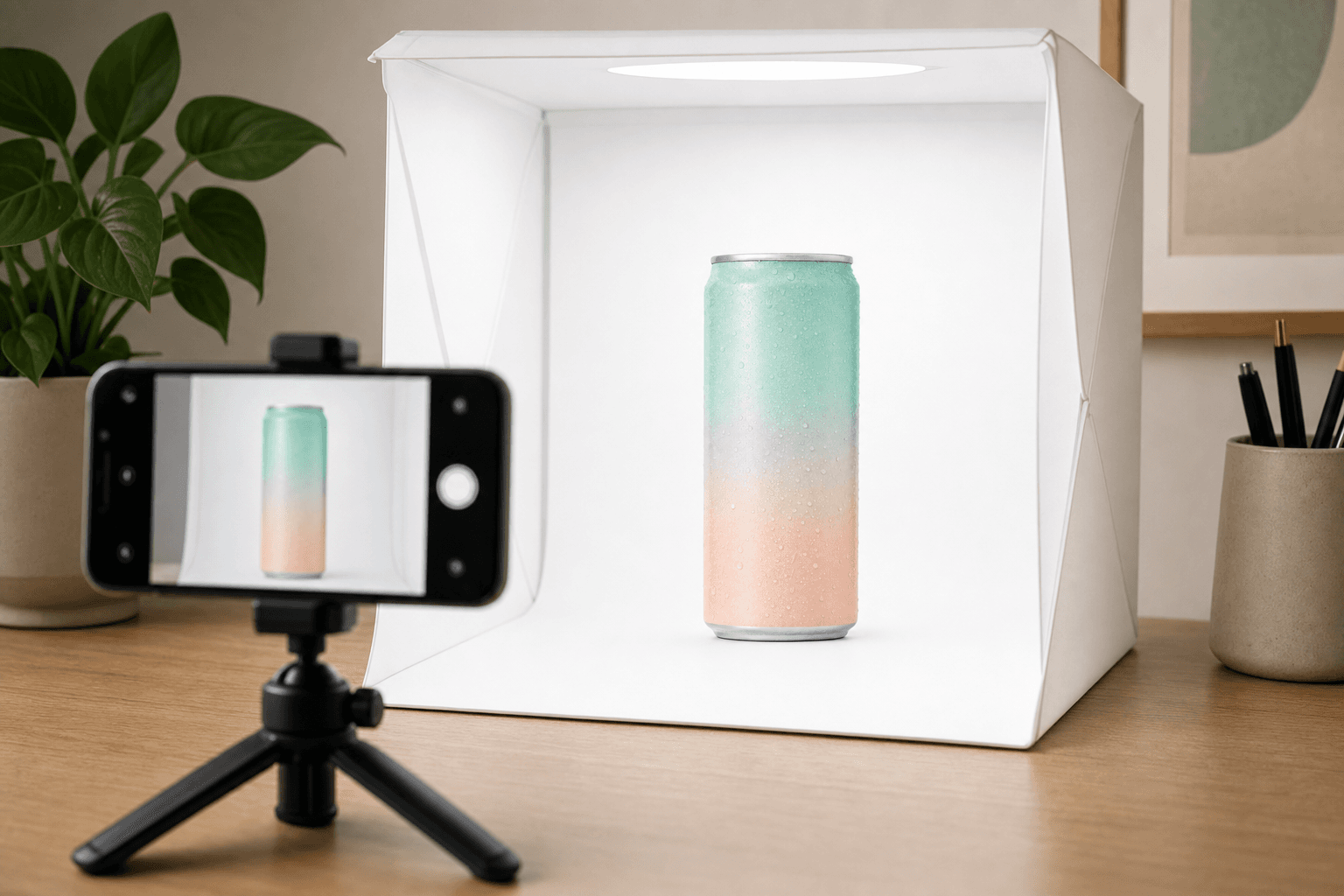
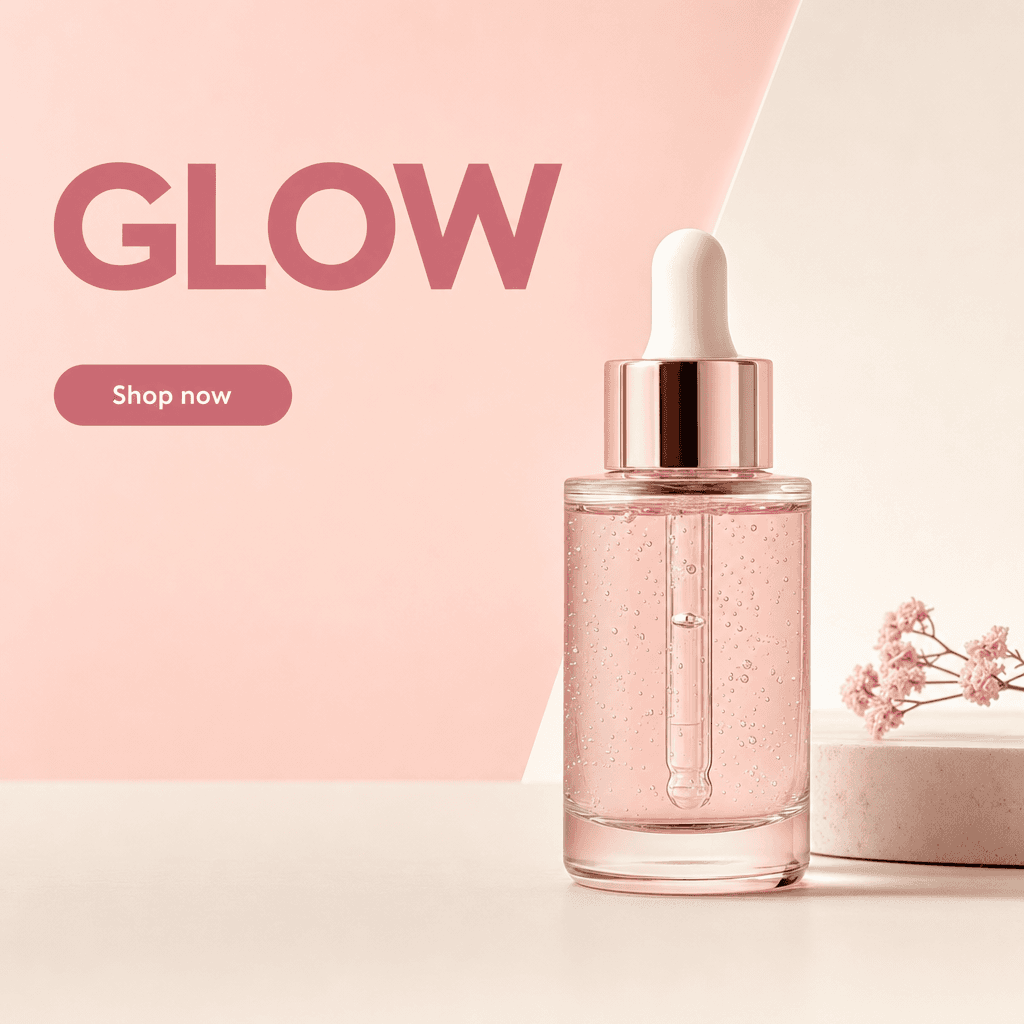
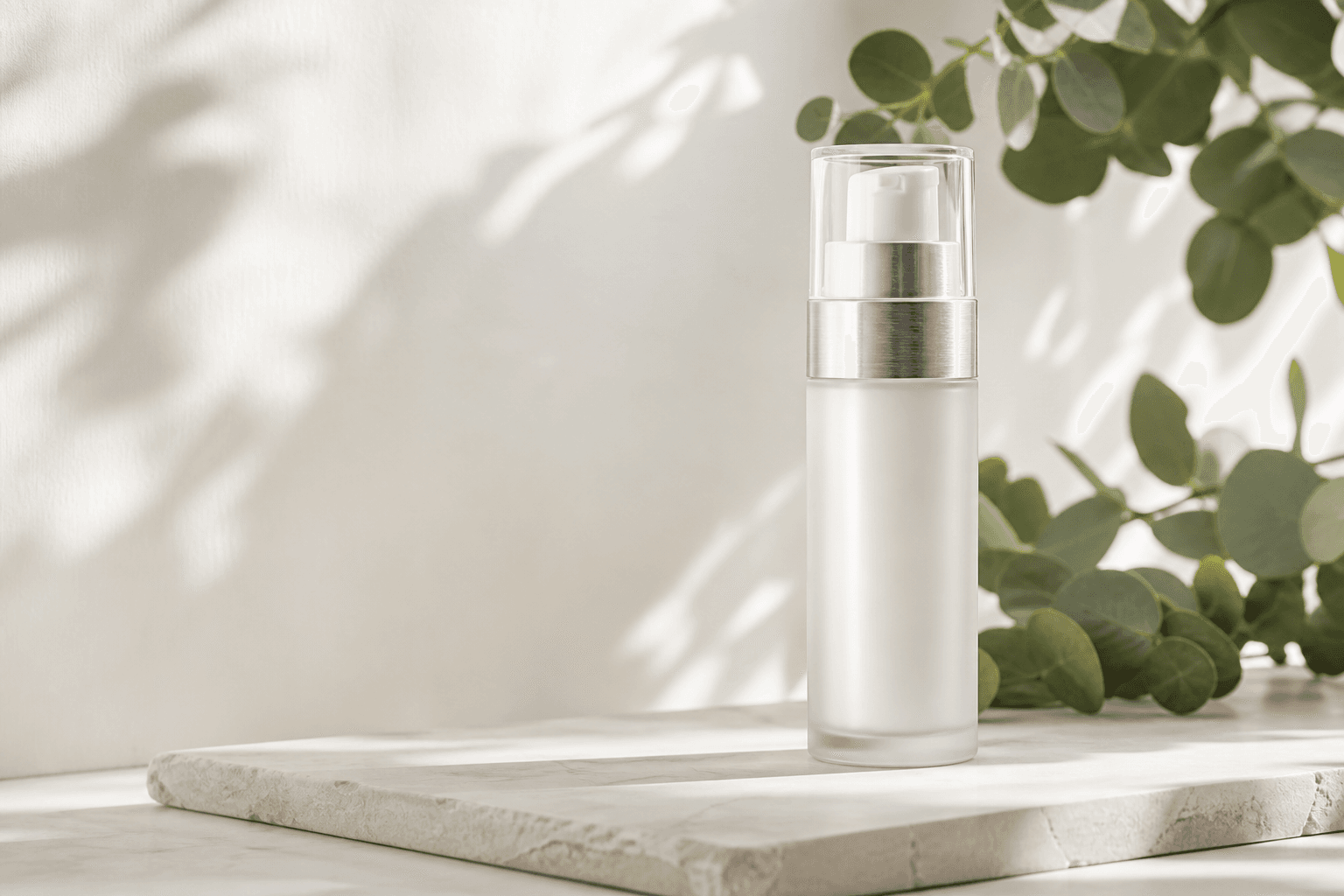
Start with the product itself. Create a clean listing image, place it in a lifestyle scene or explore a more expressive campaign set.


 Rug
Rug Bed
Bed Dresser
 Mirror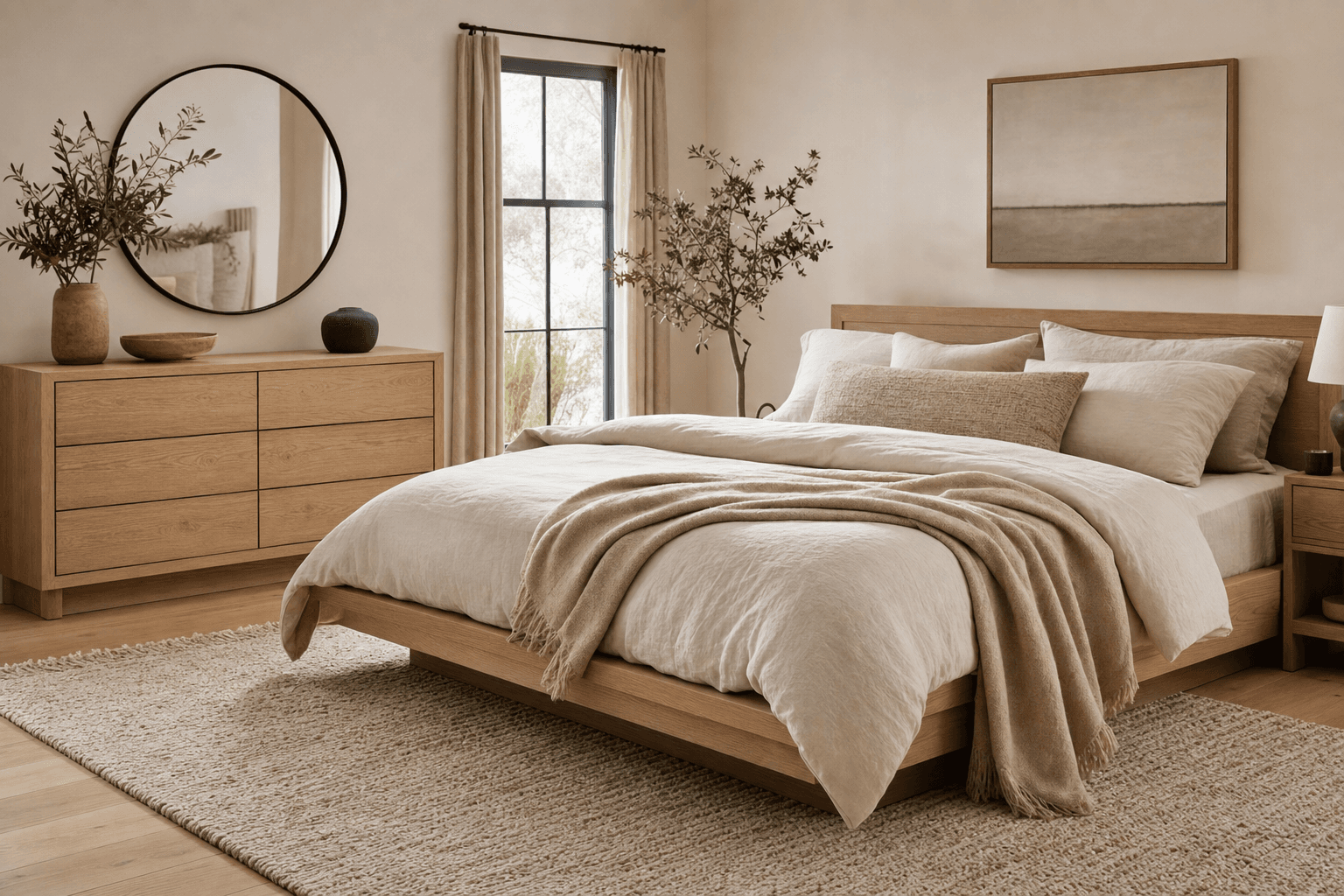
02 / Ads & listings
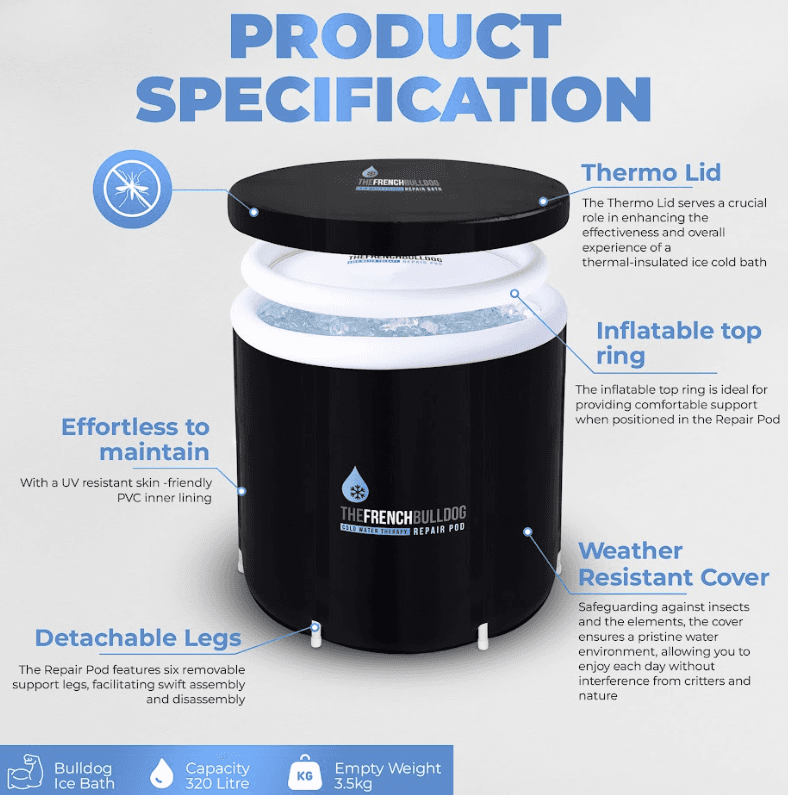
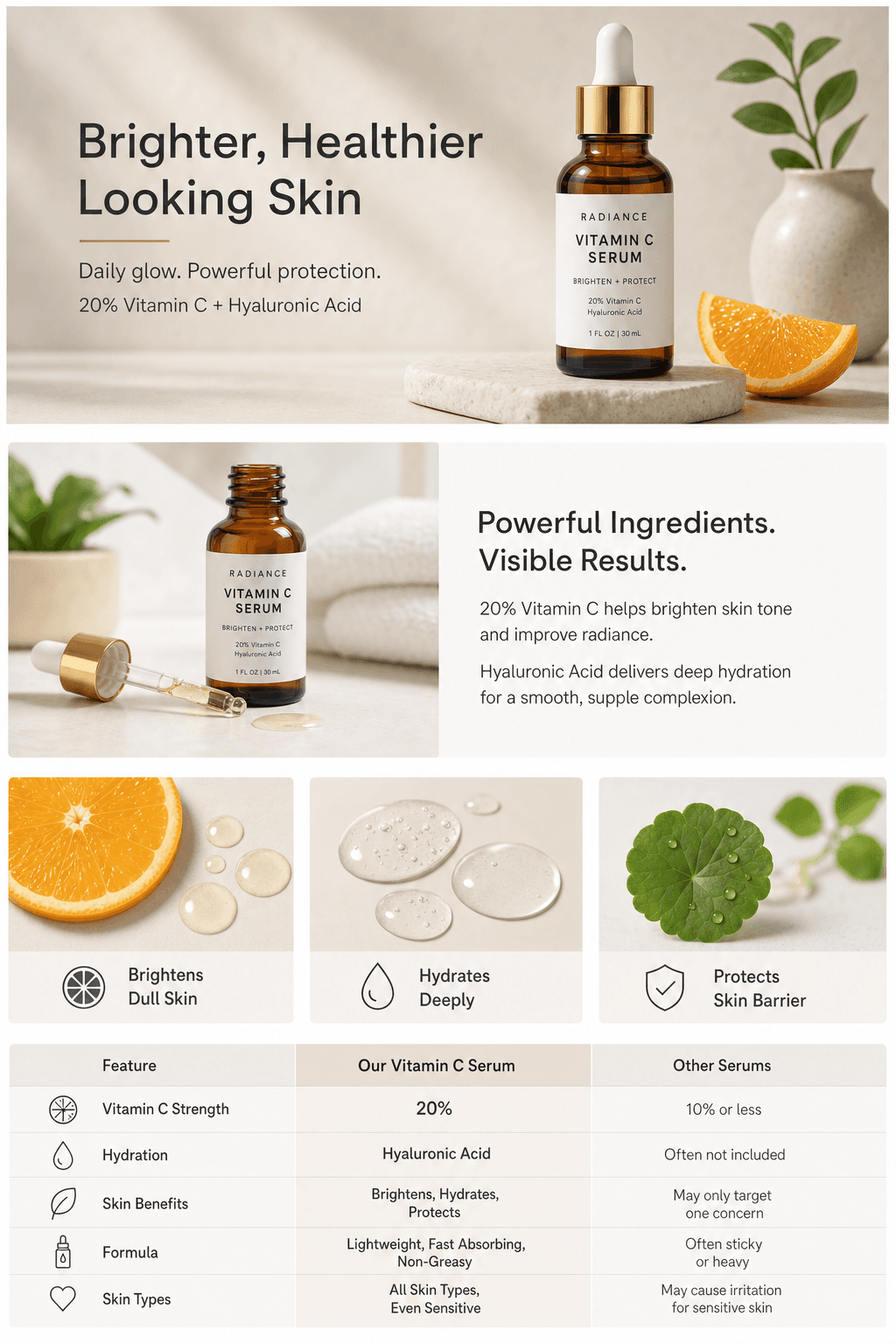
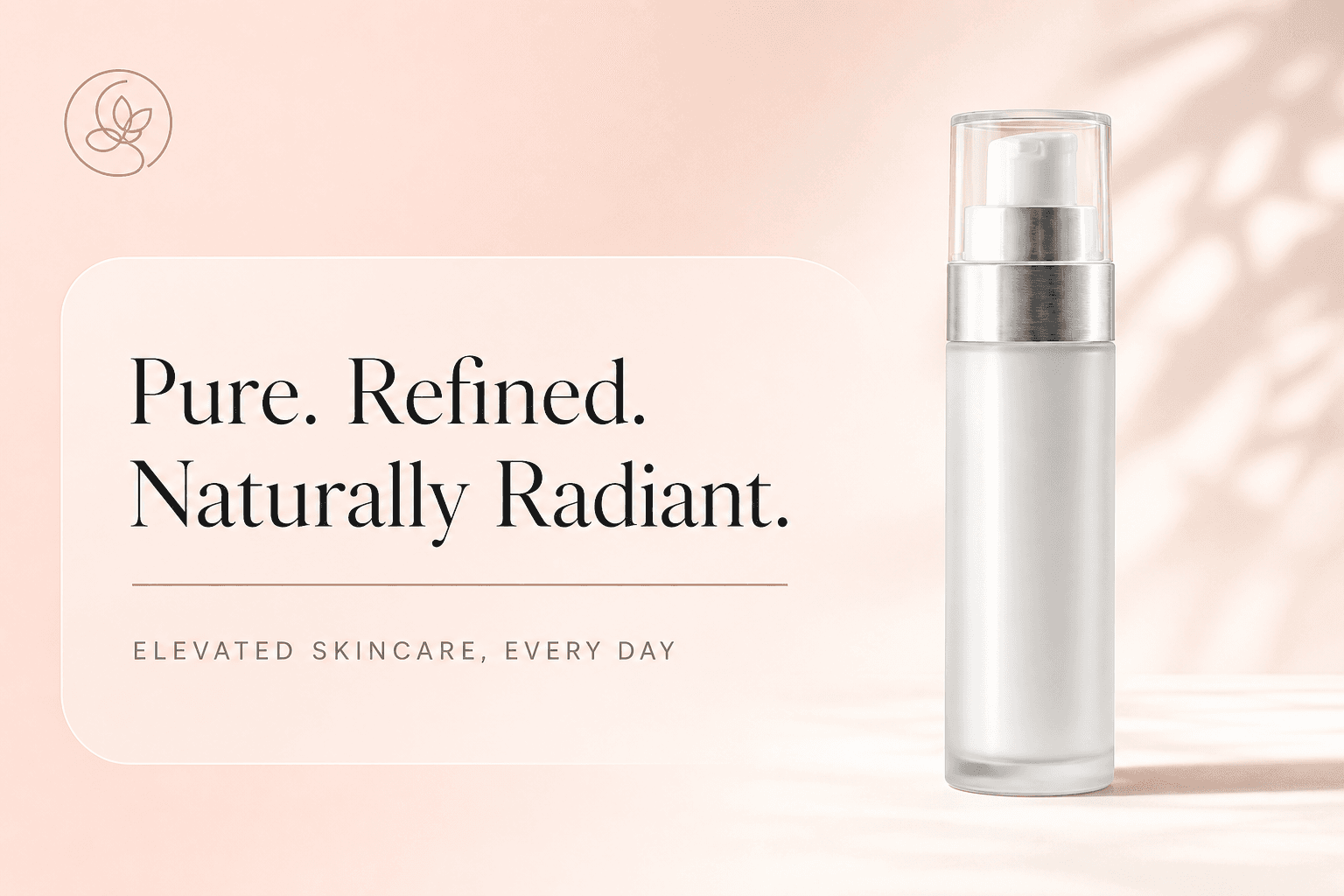
Build on your product photography with a message. Explain the details, create an advert or tell a fuller story on Amazon.
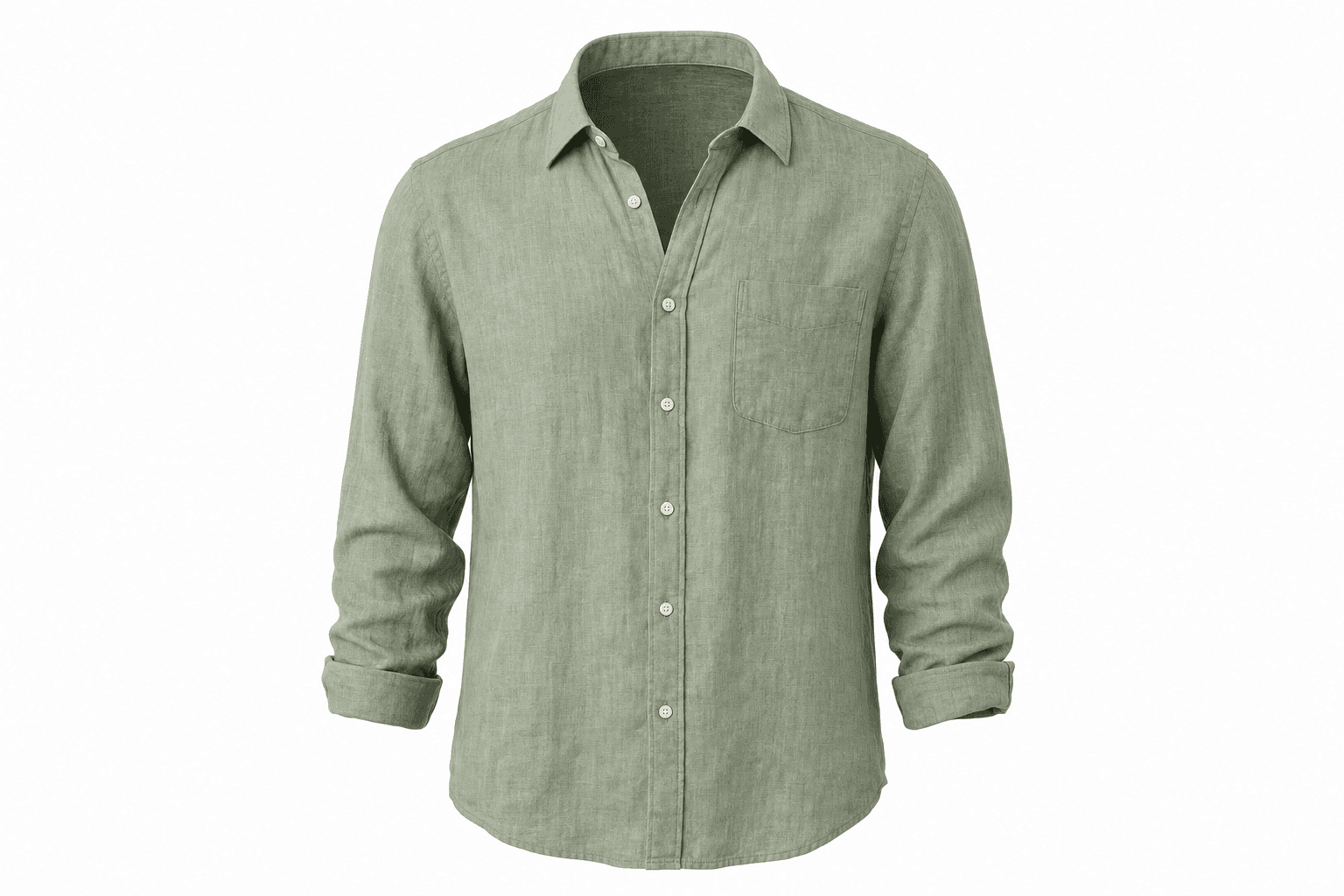
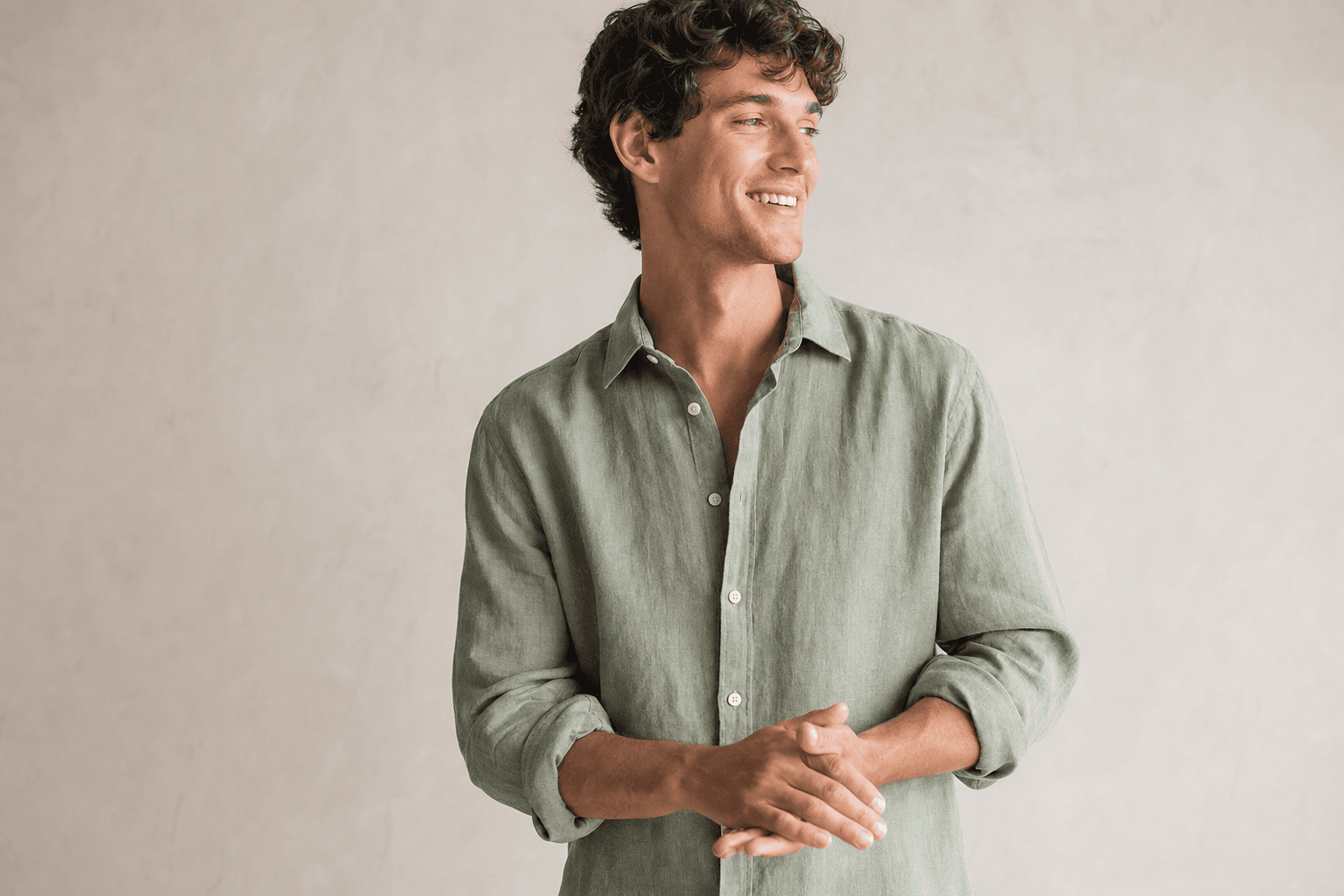
03 / Clothing & ranges
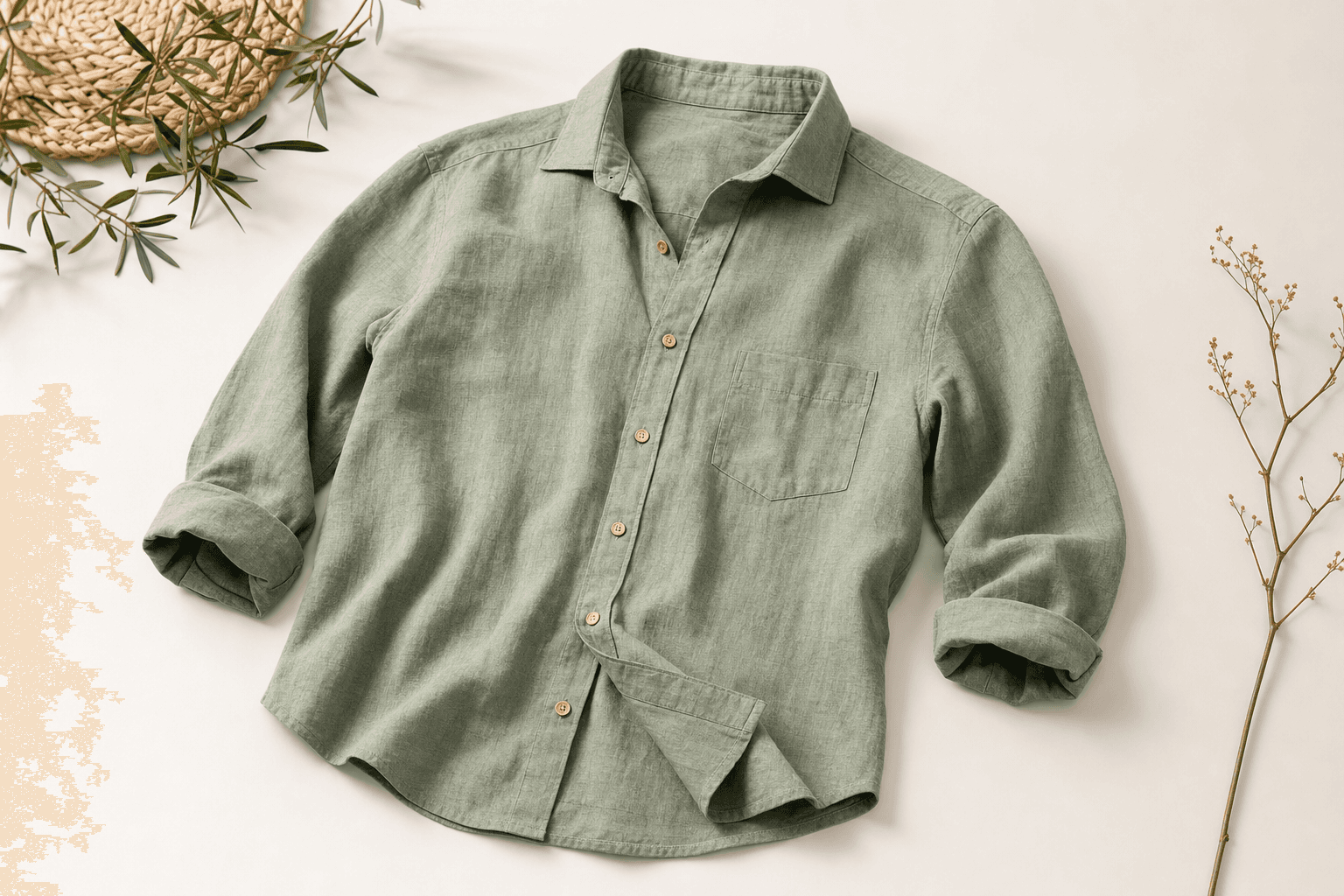
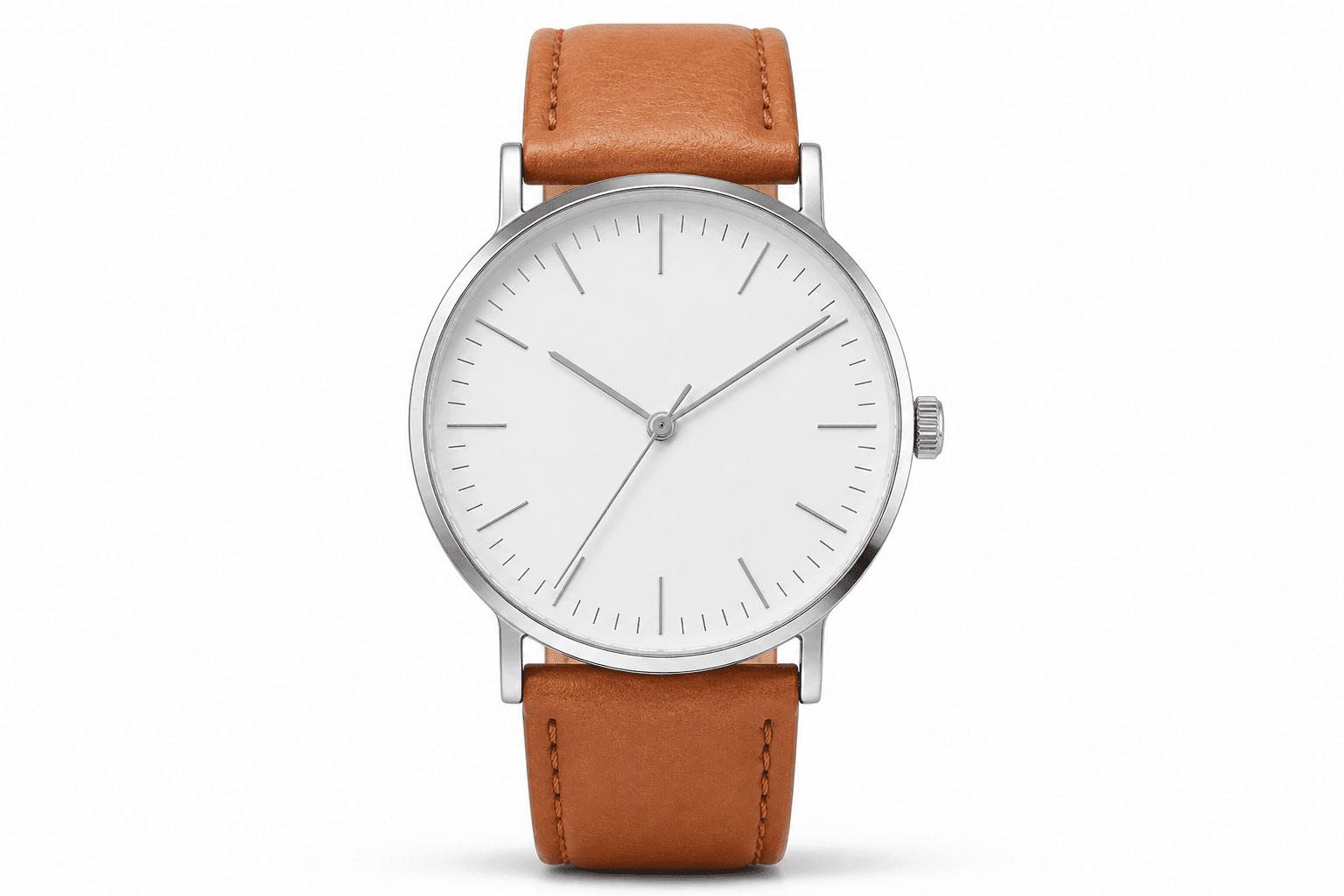
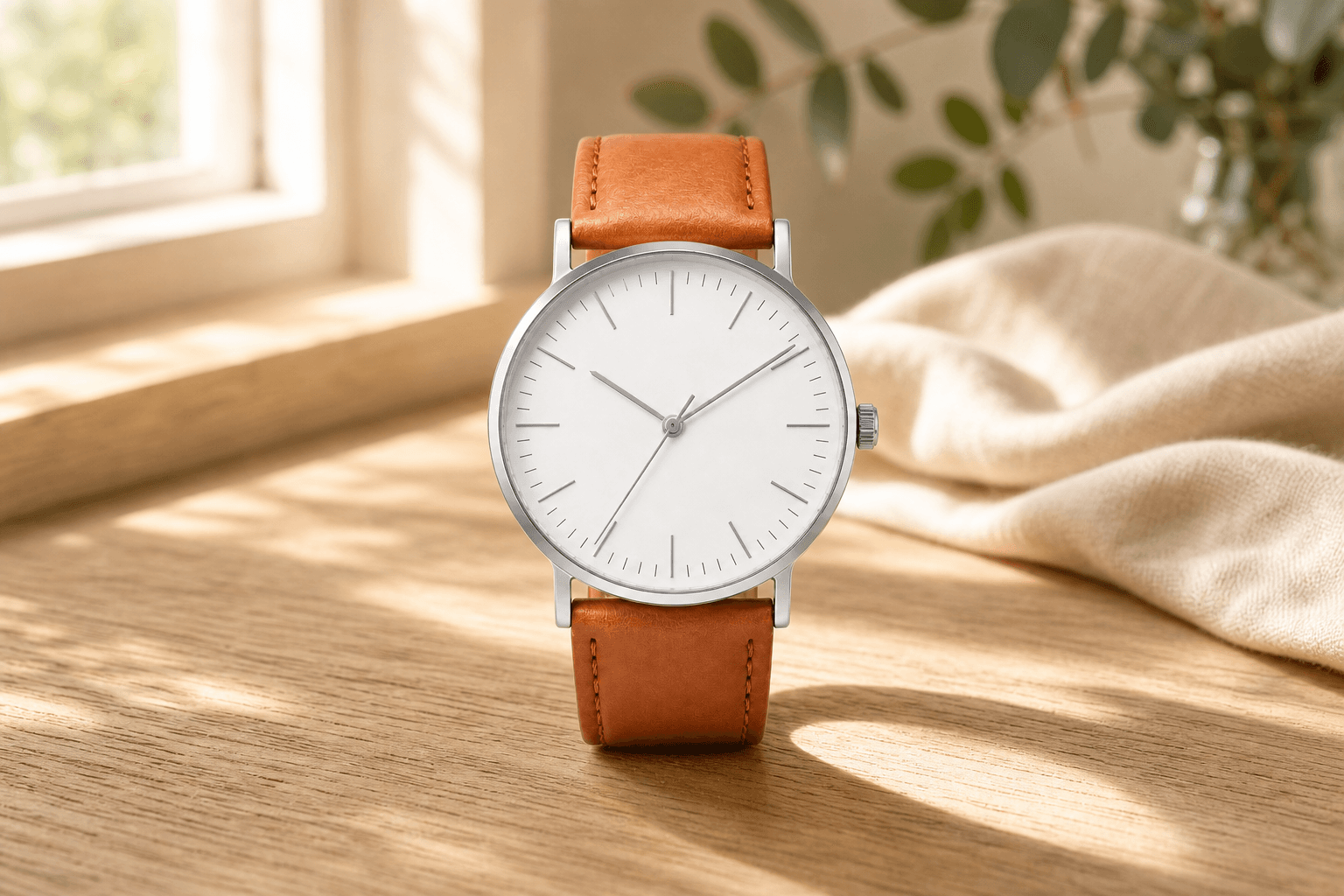
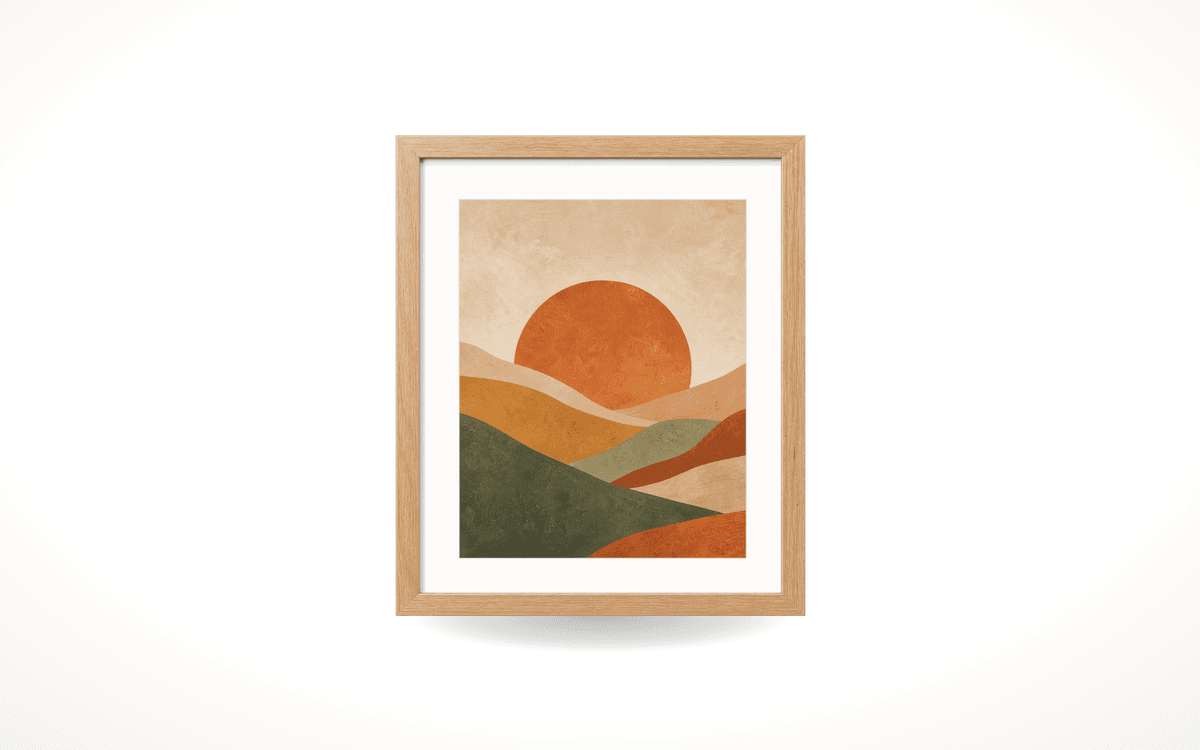
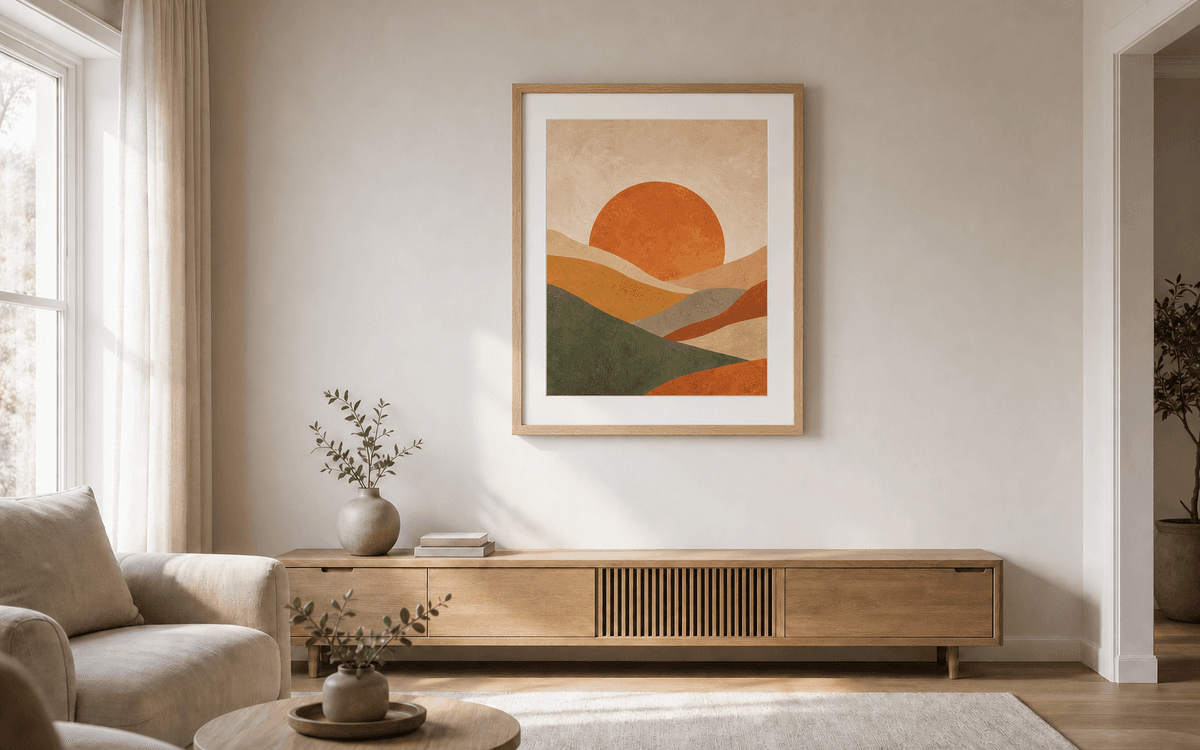
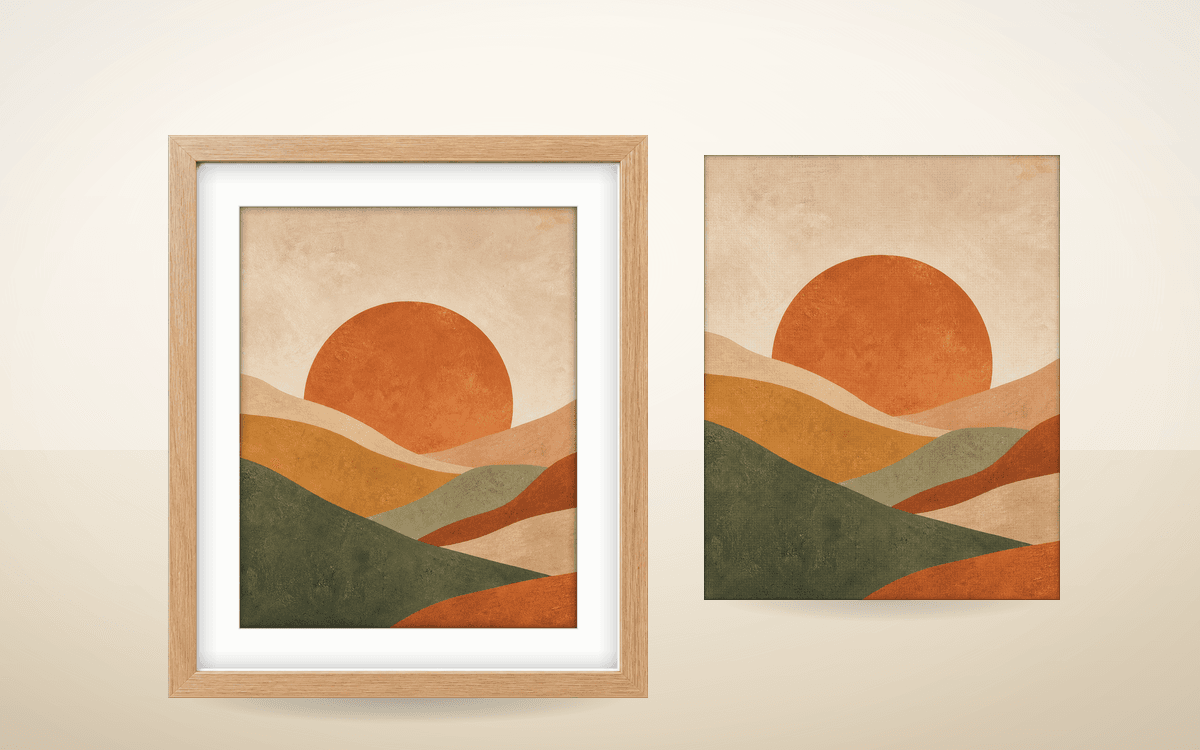
Choose the presentation and direction for garments, products or artwork. Review the details of each result against its reference.
04 / Video & finishing
Add movement, improve an existing image or build a reusable product identity for your next creation.
A useful place to begin
Review your product photograph, plan a visual direction or find the words for your listing. Start with a little more clarity.
Free to use. Create an account to see and save the complete result. No card needed.
See what it can do for your product
Try a real product from your range. Explore the tools and judge the results before choosing how much you need.
5 free generations · No card needed
See plans and credit packsYour next creation
Try your own product for free, then choose credits for a project or a plan for regular creative work.
Prices exclude tax. Tax is calculated at checkout where required.
For a project
One payment. No subscription. One-off pack credits never expire while your account is active.
Starter
$39
20 credits · one-off payment
$1.95 per credit · excl. tax
Explore a new look for your product.
Explore StarterStudio
$99
60 credits · one-off payment
$1.65 per credit · excl. tax
Build out your next listing or campaign.
15% lower cost per credit than Starter
Explore StudioPro
$229
150 credits · one-off payment
$1.53 per credit · excl. tax
Keep creating across your product range.
21% lower cost per credit than Starter
Explore ProVolume
$559
400 credits · one-off payment
$1.40 per credit · excl. tax
Plan ahead for a larger catalogue or regular creative work.
28% lower cost per credit than Starter
Explore VolumeFor regular creative work
A monthly credit allowance for regular creative work.
50% off your first monthFor first-time subscribers. Then the regular monthly rate shown on your plan.
Prices exclude tax. Tax is calculated at checkout where required. Billed monthly. Cancel renewal in your billing settings.
Free
Start with no card. Trial generations on the house.
Lite
Then $39/month
For small product brands creating better web and social content.
Studio
Then $99/month
For growing ecommerce brands with regular product image needs.
Agency
Then $215/month
For agencies and larger catalogues producing at scale.
Agency plans and all annual plans include a limited monthly allowance of human studio finishes, as shown in your plan. These use a separate finishing balance, not AI credits. Retouching outside the included allowance or agreed scope is quoted separately. Studio photography is also quoted separately.
Subscription credit rollover is subject to a balance cap while your plan is active. Check your plan details before subscribing. One-off pack credits are separate.
Try three Lifestyle directions for one product.
3 credits
One Lifestyle set, one standard infographic and one Ad build in one format.
10 credits
One Ad build across three selected formats, including both creative options.
10 credits
Illustrative budgets at current standard tool costs. Extra builds, variations, video and upgrades cost more; review the price before each action. These are not guaranteed numbers of usable images.
Re-download an owned image at the same resolution without paying again. Human retouching and photography are quoted separately unless explicitly included in your plan.
PMP AI Studio is product-imagery software from Photograph My Product, a working photography studio in York. It brings dedicated Studios, creative guidance and image review together, with real photography and professional retouching available separately.
PMP gives you dedicated workflows for product photography, adverts, listing graphics and video, with controls suited to each job. AI guidance helps develop a creative direction, and review tools help you check the result. You can also speak to Photograph My Product about professional retouching or a studio shoot, quoted separately.
In Lifestyle and Creative Studio, the AI Art Director helps you develop a setting, lighting and composition. Review its suggestions before applying them to your direction. You still check the finished image against your product. This is software guidance; human photography and retouching are available separately.
Yes. A free account includes 5 trial generations and 5 credits. No card is needed. Each tool shows the cost of further work before you create.
A clear phone photograph can be a starting point. Show the product's shape, label and important details. Better source photographs give you more to work with. You can also book PMP to photograph your products before creating further imagery in AI Studio.
AI can change labels, proportions, colours and fine details. Built-in checks support your review, but you should always compare the result with your product before publishing. For exact catalogue photography, intricate materials or colour-critical work, talk to our photography studio.
Agency plans and all annual plans include a limited monthly allowance of human studio finishes, as shown in your plan. These use a separate finishing balance, not AI credits. Retouching outside the included allowance or agreed scope is quoted separately. Studio photography is also quoted separately.
Yes. Photograph My Product has been photographing products since 2018. Send your products to our York studio and we can plan and photograph your range. You can choose photography from the start of your project.
Yes. The tools cover product images, lifestyle scenes, adverts, listing graphics, A+ content and video. Review the product details and check the current requirements of the channel where you plan to use them.
Subscriptions suit regular creative work. One-off credit packs let you buy credits as you need them. The pricing section shows the current options, and each tool shows its cost before creation.
PMP AI Studio
Dedicated Studios. Creative direction. A real photography studio behind you.
AI product imagery. Human backup.