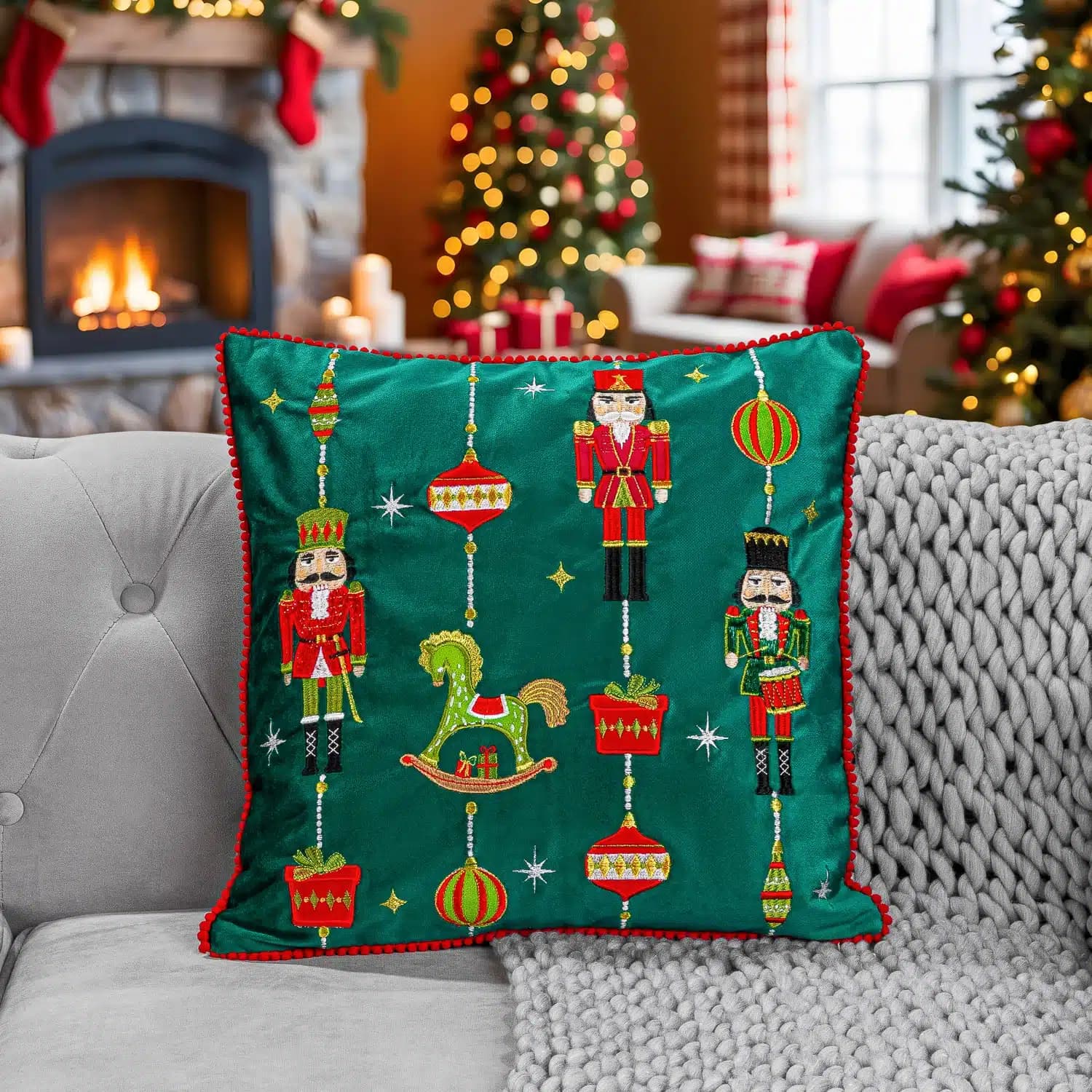
A Christmas campaign can need several related images without requiring every placement to use the same crop. Plan the product story and output formats together, so a successful main composition does not leave the email, mobile banner or product page short of usable material.
Keep seasonal styling separate from the question of when to book. Our Christmas scheduling guide helps work backwards from your deadlines.
Decide what makes the range seasonal
The product may already carry the story through packaging, colour or use. It may only need a restrained setting. Avoid adding familiar festive props simply to fill the frame.
Choose references that explain the mood and palette. Say whether the campaign should feel playful, quiet, celebratory or practical, then connect that choice to the product and audience.
List the images by placement
Identify the lead campaign image, product-page coverage, group views and supporting crops. Include dimensions from the designer and mark where text will sit. Plan vertical compositions separately when a wide scene will not crop well.
A group photograph can introduce a range, but individual items may still need clear product views. Make sure the quantity shown does not confuse what is sold together.
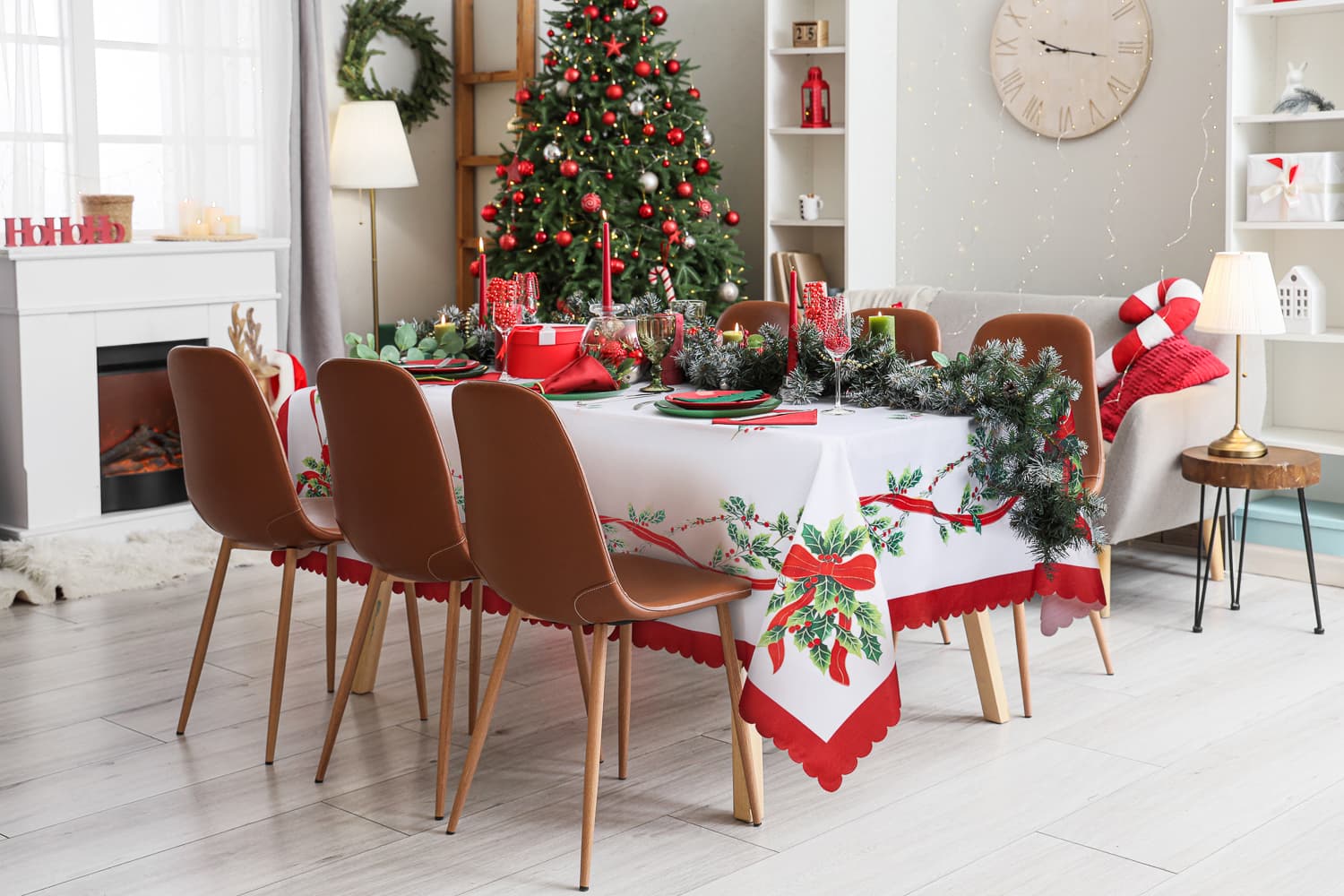
Keep some assets evergreen
Consider capturing or retaining a clean version without seasonal props. That can support future use after the campaign finishes. If a scene is composited or AI-assisted, keep the approved product source organised with the final treatment.
Review every version against the real product. Seasonal packaging, labels and included accessories should be current.
Plan the handoff
Agree filenames, crop variants, review dates and which images have time-limited uses. Check the exports in the actual page and email layouts, including mobile.
When the campaign ends, retire outdated treatments and keep useful product assets accessible. Send PMP the product list and campaign placements to discuss a scoped seasonal shoot or digital imagery project.