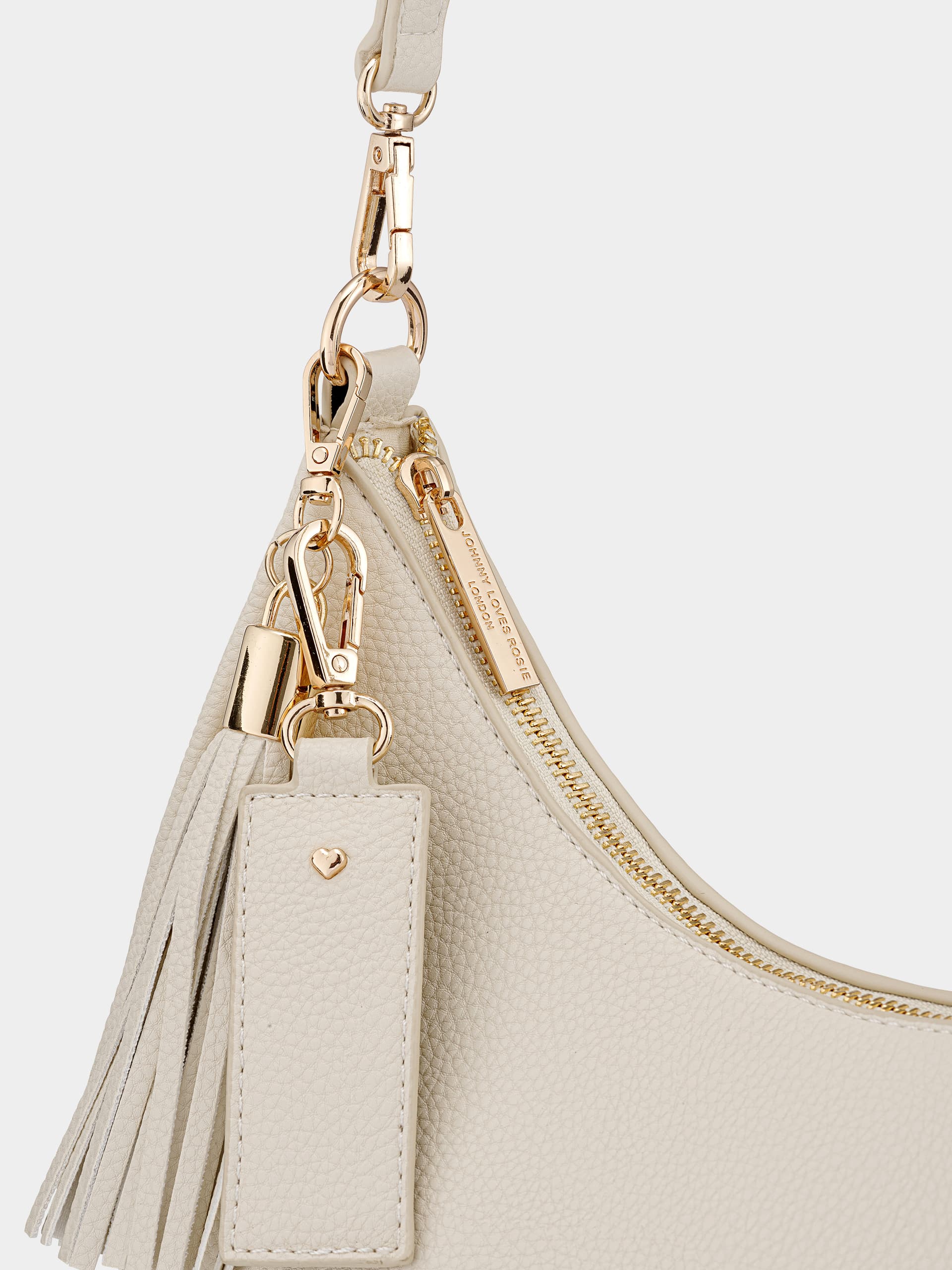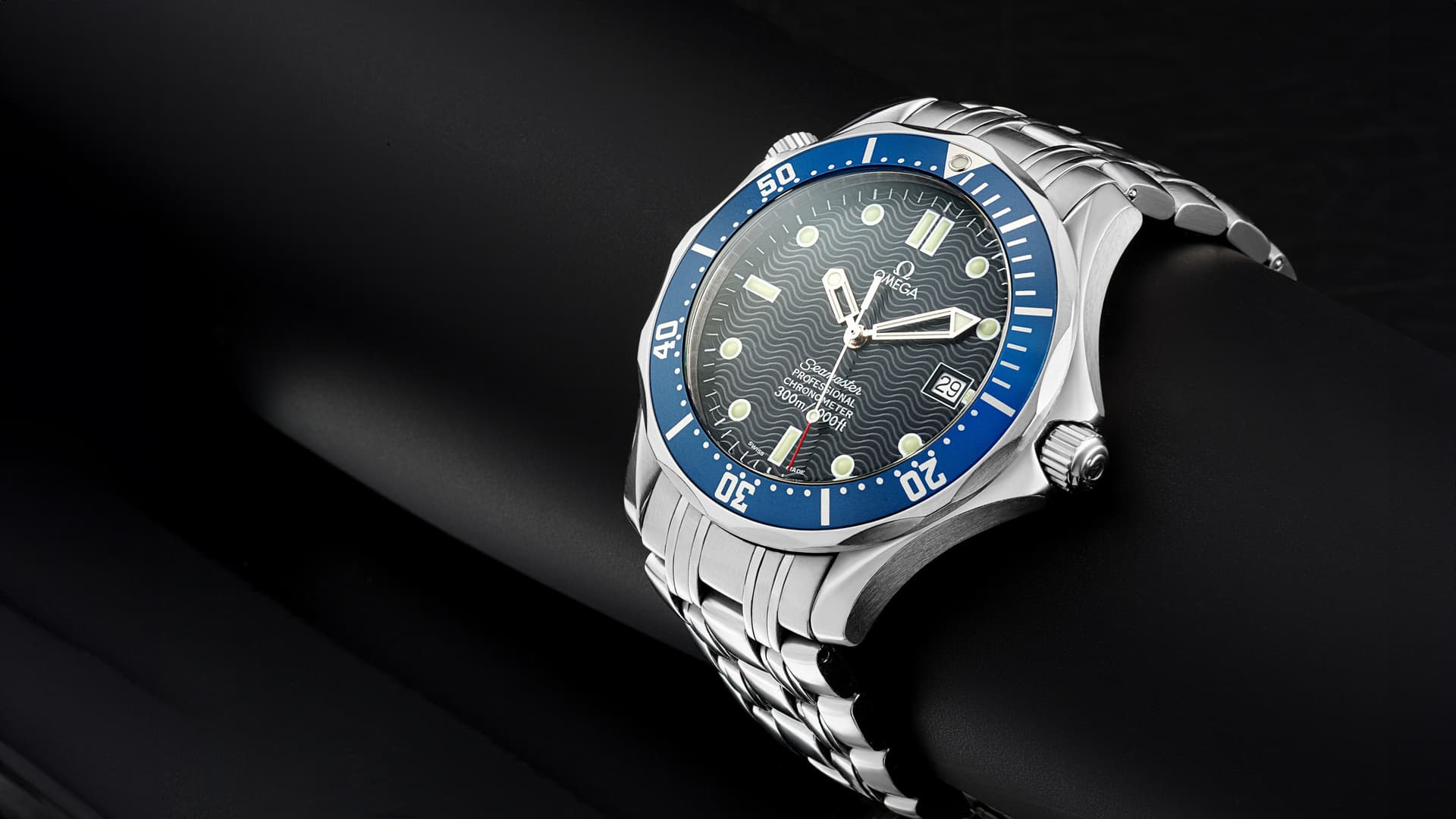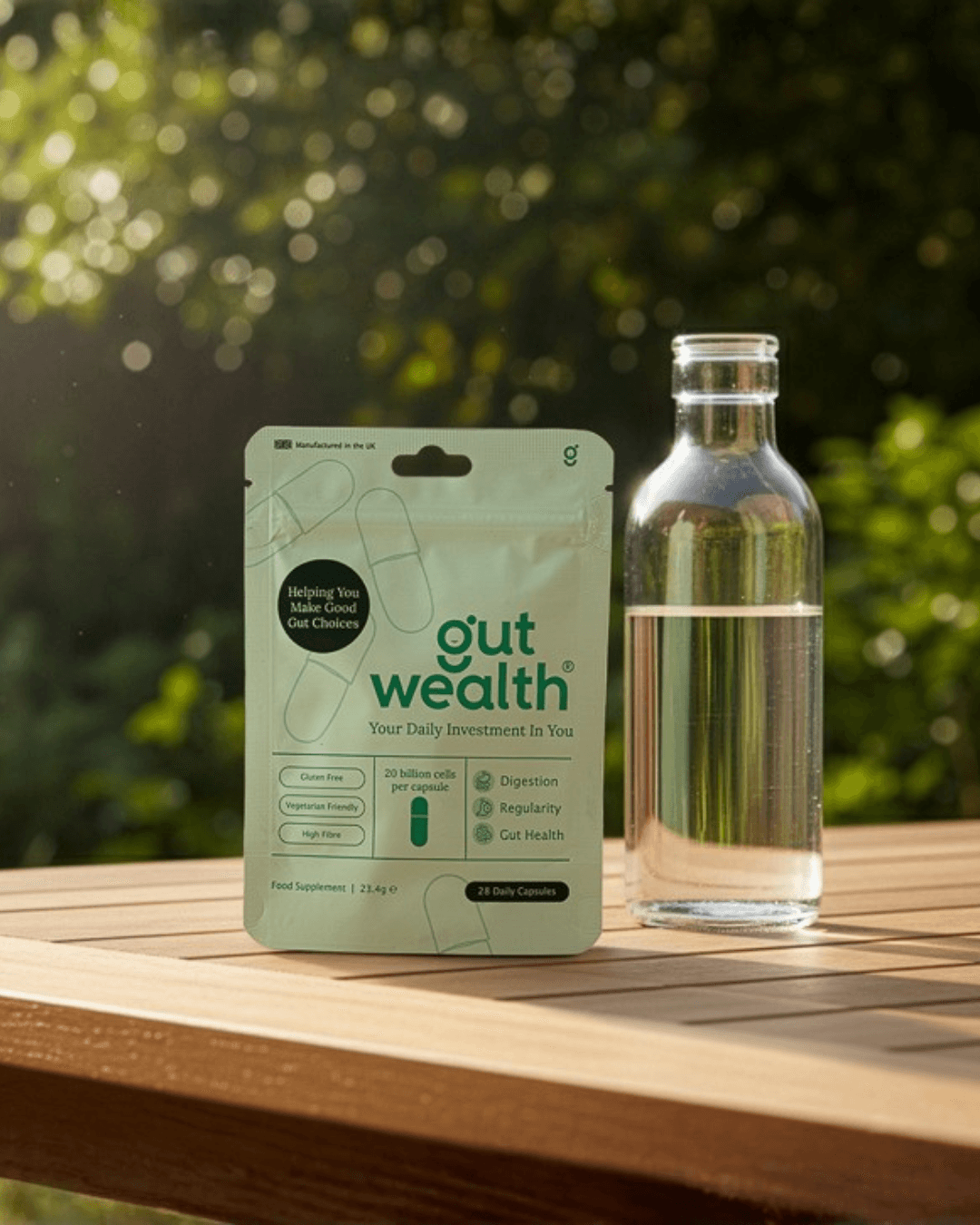
Lifestyle photography puts a product into a setting or situation. It can explain use, establish scale or give a campaign a particular atmosphere. The scene earns its place when it helps the viewer understand or respond to the product.
Start with the intended result, not a list of decorative objects. A simple scene with a clear idea can be more useful than an elaborate set that makes the product difficult to find.
Give the scene a job
Decide whether the image should demonstrate use, suggest an occasion, show scale or lead a campaign. One image can do more than one thing, but it should have a clear priority.
Describe the audience and placement. A product-page context image may need a clearer view than a brand campaign, while a website banner may need deliberate space for copy.
Choose props that belong
Use objects that explain the setting or support the composition. Check that they suit the product’s size and intended use. Avoid styling that suggests accessories or contents are supplied when they are not.
A product does not need to be in active use in every scene. A well-composed still life can communicate enough without adding hands, pouring, movement or unnecessary clutter.

Plan light and camera position together
The light should describe the product and feel coherent with the environment. Camera height and perspective affect scale and the way the item sits in the scene. Think about these choices before the final set is built.
For a composite, source photography should suit the intended viewpoint. A mismatched angle can be difficult to correct convincingly later.
Choose how to produce the scene
A physical shoot is useful when real interaction, materials or styling need close control. A digital composite can reuse a photographed product in another environment. PMP AI Studio offers an option for exploring scenes from your own references.
These approaches need different preparation, but all need review. Check the product’s shape, label, scale and contact with surfaces. Do not approve only the atmosphere while overlooking a changed feature.
Review the image where it will be used
Test the final crops on mobile and desktop. Check that the product stays visible and that text does not cover important details. Compare the scene with the rest of the campaign for colour and visual consistency.
For a managed project, PMP’s lifestyle service can help define the scene and production route. Bring the product, intended uses and a few references with notes about what you like.