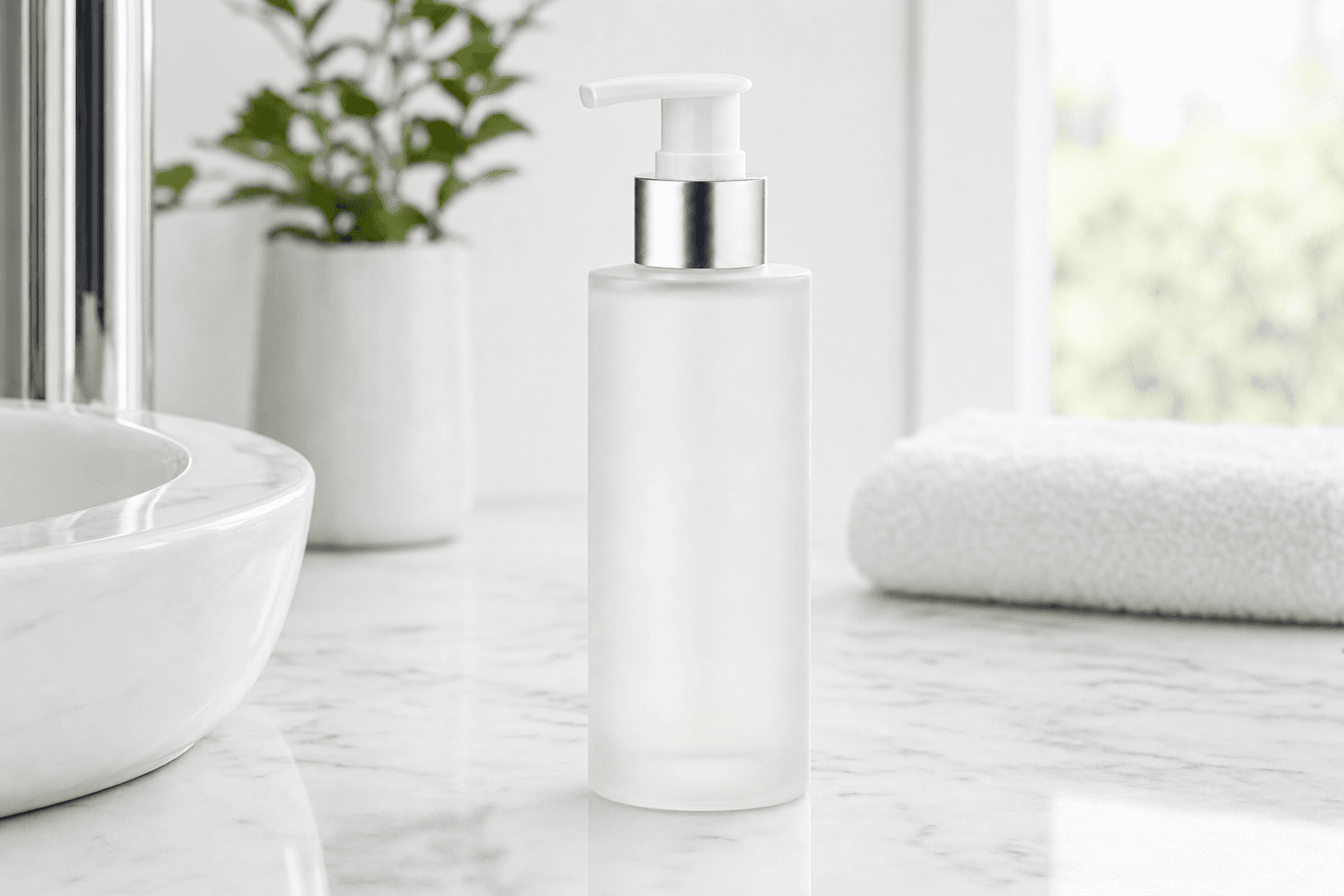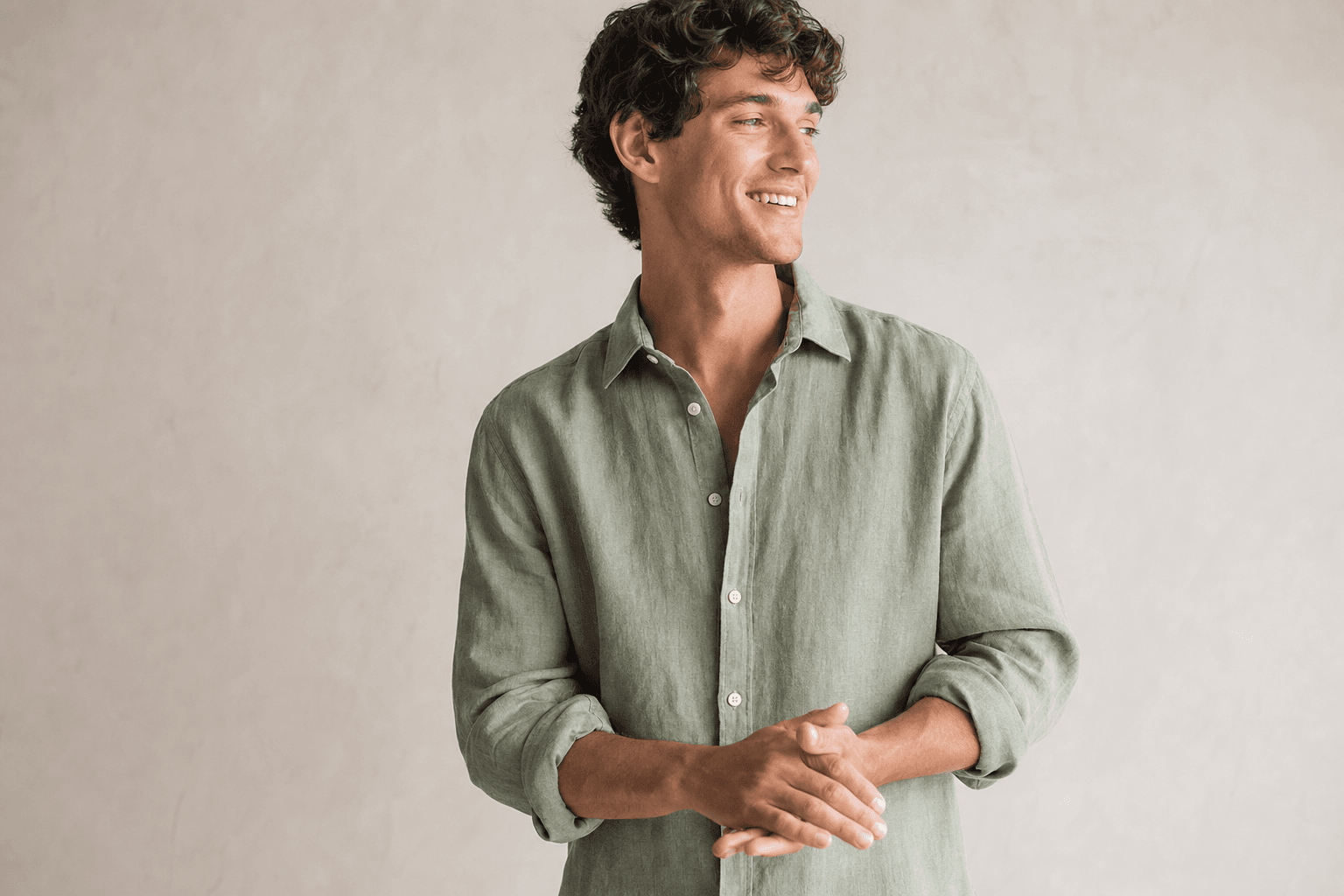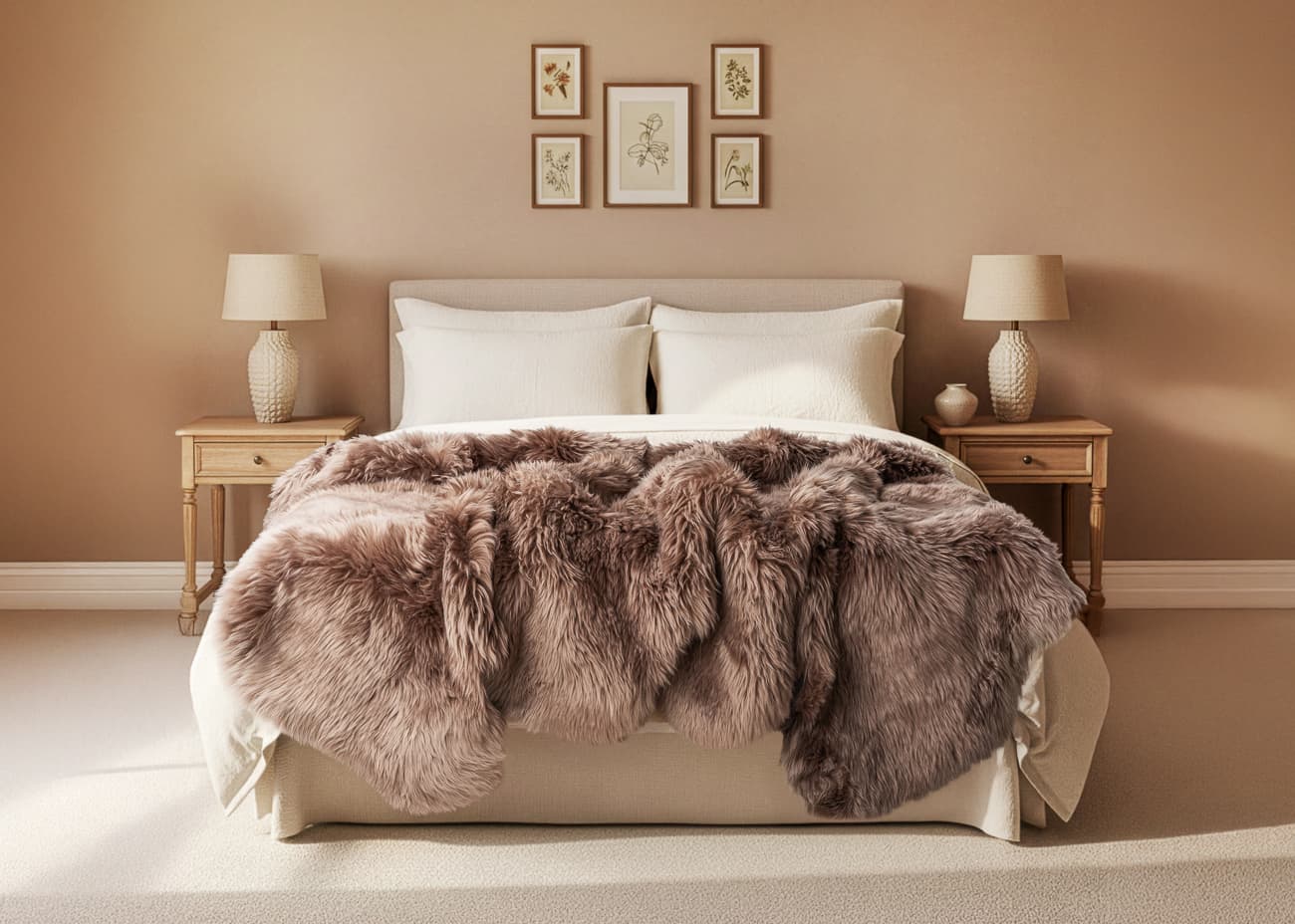
The question has changed. AI is no longer just something to try while planning a photoshoot. It can produce finished campaign imagery, explore settings and help a small team create more from its existing product photos. Photography remains a direct way to record what the product looks like. Both need a clear brief and a careful final check.
At PMP we offer studio photography alongside PMP AI Studio. The starting point should be the image you need and the detail it must show, rather than a fixed preference for one production method.
Start with what the image must prove
A front label, a fastening and the weave of a fabric are different photographic problems. If a buyer needs to inspect a small construction detail, a close photograph of the real sample is a useful reference. If the job is a seasonal campaign scene, the setting and composition may deserve more of the production effort.
Write down what cannot change: shape, colour, wording, material, supplied accessories and relative size. Keep that list beside the original product photographs when reviewing any edited or generated result.
Where a studio shoot earns its place
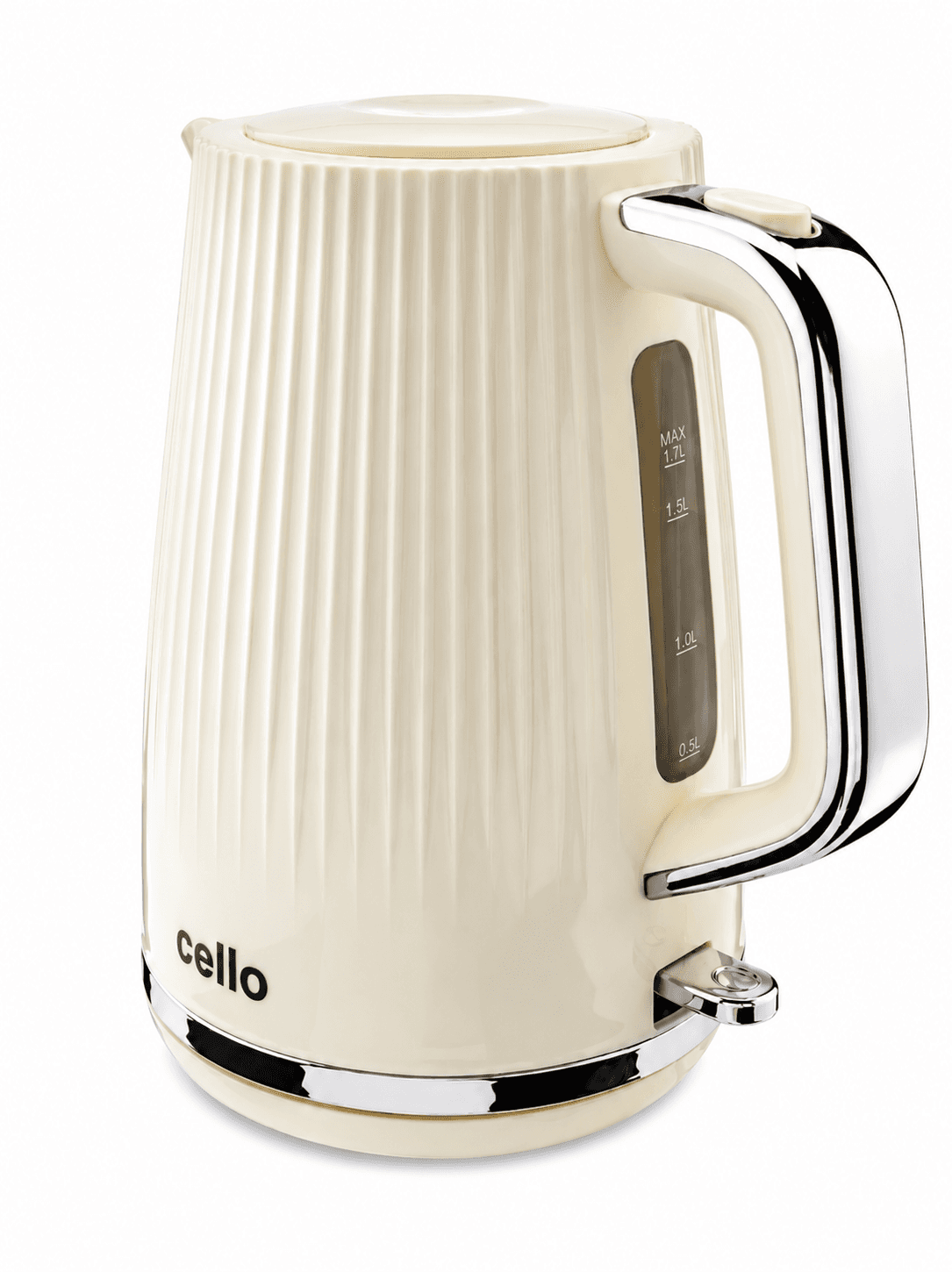
A shoot gives you controlled views of a physical product. It is particularly useful for reflective surfaces, fine jewellery, fabric texture, colour variants and a catalogue that needs matching angles. Lighting still requires judgment: a camera does not automatically make a finish easy to understand.
Those captures can serve several purposes. A carefully prepared packshot might support a listing, a designer’s layout and a later composite. Agree those uses before the shoot so the framing and resolution leave room for them.
Where AI Studio can help
AI tools can explore lifestyle settings, creative treatments and supporting campaign images using your product photos. They can also help with editing and preparation. That makes them useful for brands with usable source images that want to try a new direction without organising every scene physically.
Treat each output as a candidate. Inspect lettering, edges, reflections, the number of components and any interaction with hands or props. A convincing overall scene can still contain a wrong detail. Neither an attractive result nor a tool’s internal checks replace your approval.
When to combine the two
A hybrid project might start with a studio capture, add a digital environment and finish with human retouching. Another might start with a customer’s existing image and use the studio only for a missing view. A generative workflow may redraw the product; compositing a retained photograph is a different operation. Ask which method is being used if exact pixels matter.
Choose a representative product and test the intended output before extending the approach across a range. Review the image at its actual display size as well as close up. For a managed project, our digital composite service is a place to discuss the source images, scene and finishing together.
| Method | What to establish |
|---|---|
| Photography | Which physical views and details must be captured? |
| Generative imagery | What may be redrawn, and how will it be checked? |
| Compositing | Does the retained product fit the scene perspective and light? |
| Retouching | Which corrections preserve the product’s actual appearance? |