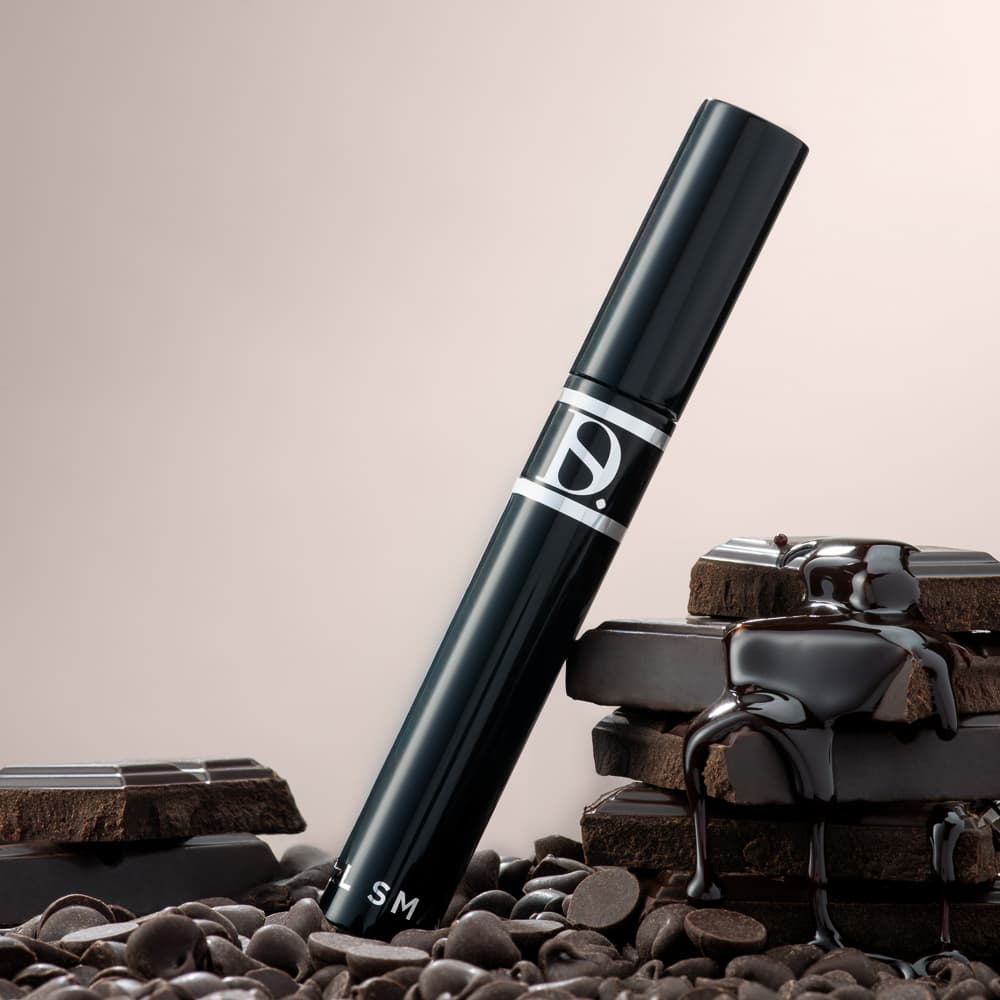
A website redesign often exposes gaps in an image library. The new banner is wider, the mobile layout is taller or the product cards need a more consistent crop. If photography is left until the end, good layouts can become a collection of compromises.
Bring the image audit into the design process early. You may not need a full reshoot. You need to know which assets fit, which can be adapted and which are genuinely missing.
Start with the actual layouts
Ask the designer for the key image spaces and how they change on mobile. Note dimensions, text overlays and any important focal area. A desktop screenshot alone is not enough to define a responsive image brief.
Test existing files in those spaces. Look for cropped labels, products pushed behind copy and low-resolution images that are being enlarged.
Sort the library into keep, adapt and create
Keep images that are accurate and suitable. Adapt those that need a different export, crop or agreed retouching. Create new work where the required view, quality or composition is absent.
Flag old packaging and rejected variants so they cannot return during the redesign. Keep the approved master files accessible to the designer rather than relying on downloads from the old website.

Establish a consistent range treatment
Compare camera height, product scale, background and shadow across the catalogue. Decide which differences are useful and which are accidental. Use a small approved reference set to guide new work.
Campaign imagery can have more variation, but it should still feel connected to the brand. Give the photographer or creative team the same visual references the designer is using.
Plan new production around real uses
Brief the product, required view, intended crop and space for text. A hero image may need deliberate negative space; a product tile may need a tighter, clearer presentation. Do not assume one composition will solve both.
Existing photographs may also support digital composites or PMP AI Studio treatments. Check the product detail and the final crop before approving those alternatives.
Review the site, not only the files
Inspect the images in the finished mobile and desktop layouts. Check loading, sharpness, alternative text, product mapping and consistent crops. Keep a list of the approved files used on each important page.
For the production handoff, use our photography brief guide and include the layouts alongside the product list.